The left navigation
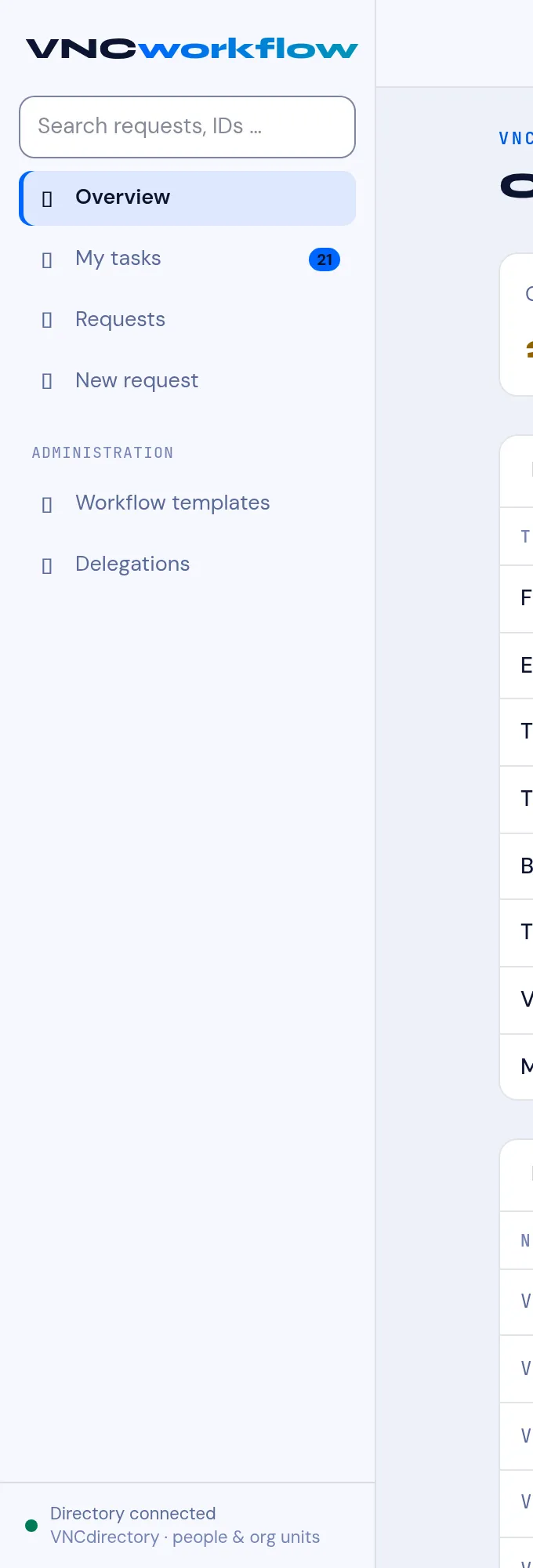
The VNCworkflow sidebar (left) is the whole app. Learn these items and you know VNCworkflow.
Everyday
Section titled “Everyday”| Item | What it is |
|---|---|
| Overview | The start page — the KPI band, your tasks and your submissions. |
| My tasks | The stations assigned to you; a badge shows how many. |
| Requests | Every request, with its current station and status. |
| New request | Start a request from a template. |
→ The Overview page · Act on a request at your station · Track requests · Start a request
Administration
Section titled “Administration”| Item | What it is |
|---|---|
| Workflow templates | Model the approval route a request follows. |
| Delegations | Let someone act on your stations while you are away. |
→ Workflow templates · Set up a delegation
Footer
Section titled “Footer”Directory connected confirms VNCworkflow is connected to VNCdirectory+ (people and org units).