How approvals route
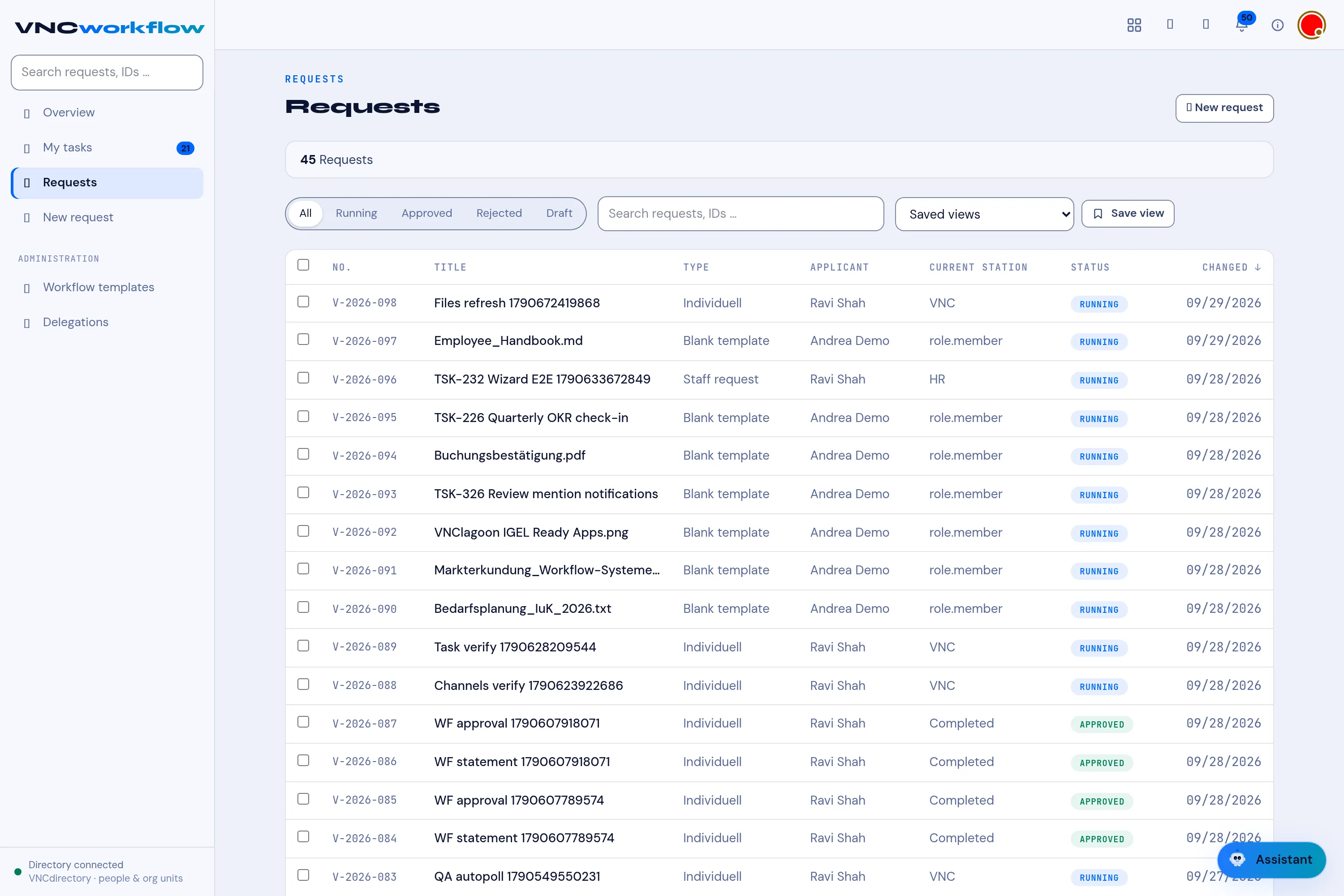
A request in VNCworkflow is created from a template, and it travels a route of stations. Each station is a person or role who has to act, usually to approve.
The parts
Section titled “The parts”- Request type — the template that decides the route. The built-in ones are Blank template (freely configured), Software introduction and Staff request.
- Station — a step in the route. The current one is the Current station.
- Responsible person — who acts at a station.
States
Section titled “States”| State | Meaning |
|---|---|
| Draft | Created but not submitted. |
| Running | In progress along the route. |
| Approved | Approved. |
| Rejected | Rejected. |
| Completed | Finished. |
Where you see work
Section titled “Where you see work”- My tasks — the stations currently assigned to you. This is where you approve or reject.
- Requests — every request, with its current station and state.
- Requests I submitted — the ones you submitted.
Why it matters
Section titled “Why it matters”Because the route comes from the template, the same kind of request always goes to the right approvers in the same order — no one has to remember the chain. A blank template exists for the cases that have no set route.