React to a topic or comment
Reactions are a lightweight way to agree, approve or acknowledge. Each topic and comment tracks its own reaction counts.
- Open a topic.
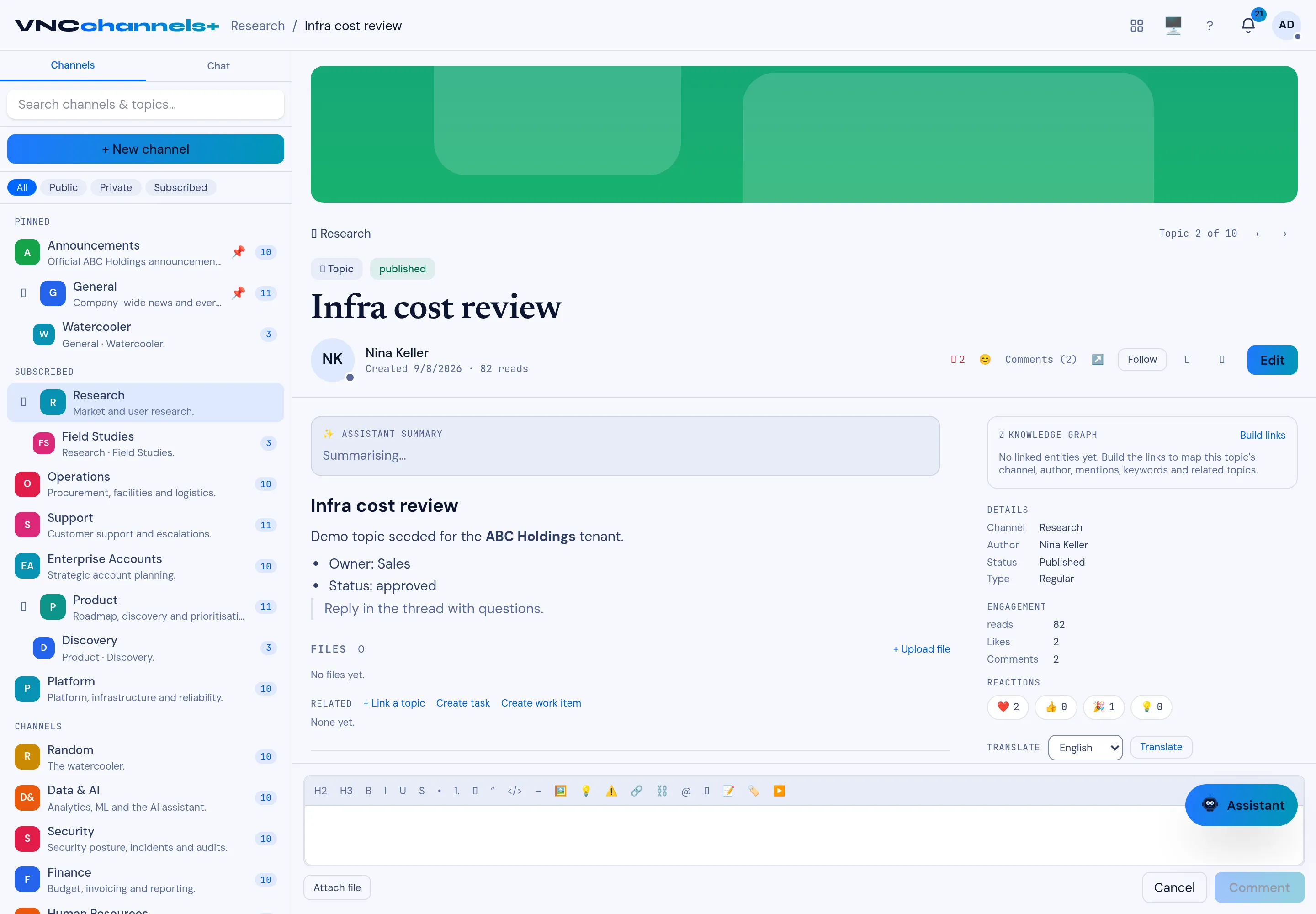
- In the topic header next to Comments, select a reaction — for example ❤️, 👍, ✅ or 🎉.
- To react to a comment, use the reaction control on that comment.
Result
Section titled “Result”The reaction count increases in the header and under Reactions in the Details rail. Select the same reaction again to remove it.
See also Comment on a topic and Use the notification rail.