Start a conversation
VNCai is the AI platform behind the VNClagoon+ assistant. In the web client you work in conversations — each one keeps its history, so you can follow up.
- Open VNCai. If you are not signed in, continue with VNCid.
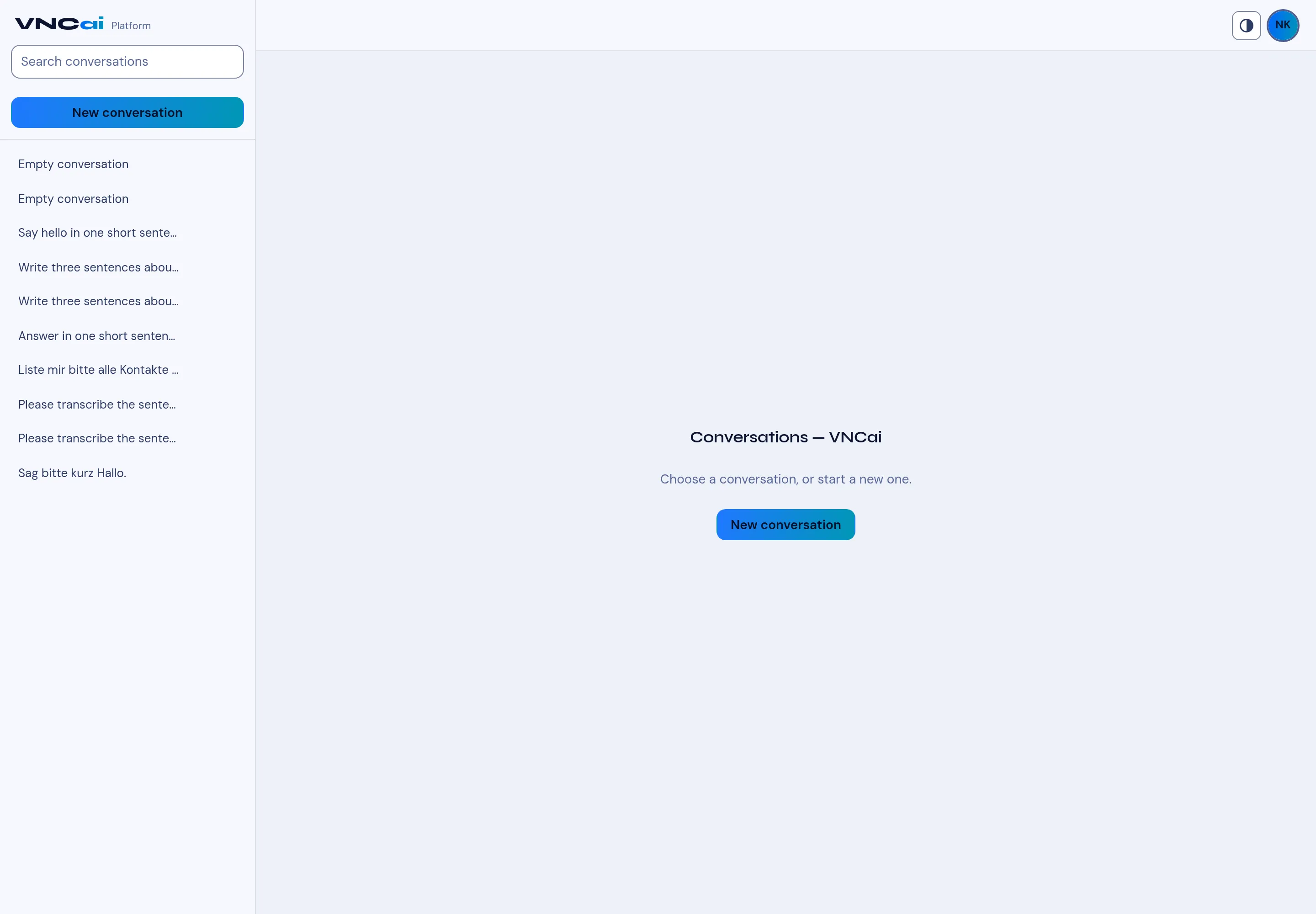
- Select New conversation (top of the left list, or in the middle of an empty screen).
- Type your question and send it. VNCai answers in the same conversation.
- Use Search conversations to find an earlier one, and select it in the left list to reopen it.
Result
Section titled “Result”Each conversation is listed on the left with a short title (for example Summarise company …). Your history stays available, and you can start a new conversation at any time.