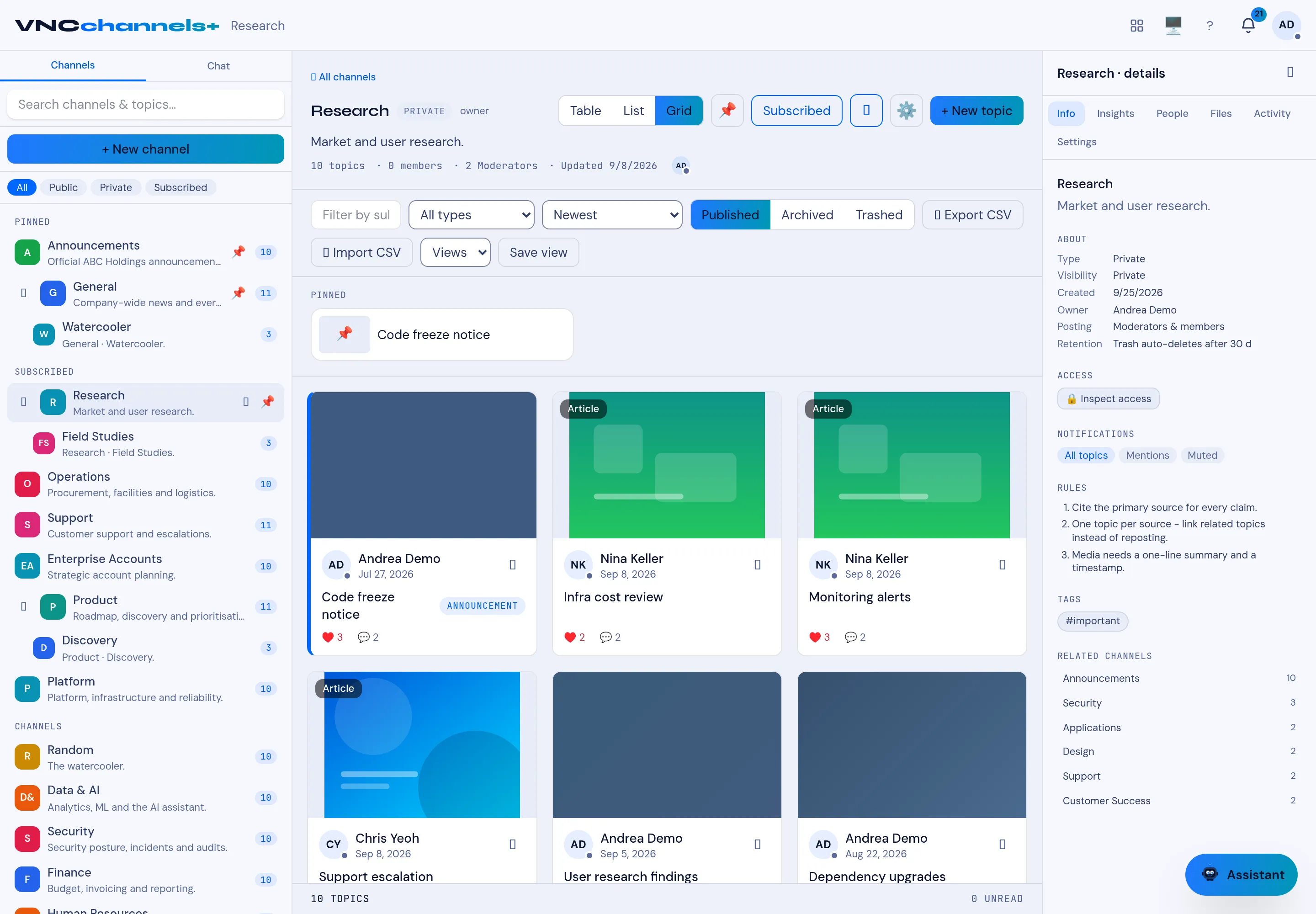
Browse channels and read a topic
The home page lists the channels you can see, newest activity first.
- On the home page, filter the channels with All, Public, Private or Subscribed.
- Sort with Activity, A–Z or Unread, or select For you.
- Open a channel, then switch its topic list between Table, List and Grid.
- Select a topic to open it.
Result
Section titled “Result”The topic opens with its title, author, creation date and read count, followed by the body, Files, Related items and Comments. The Details rail on the right shows the channel, author, status, engagement, reactions, people and topic actions.
See also
Section titled “See also”