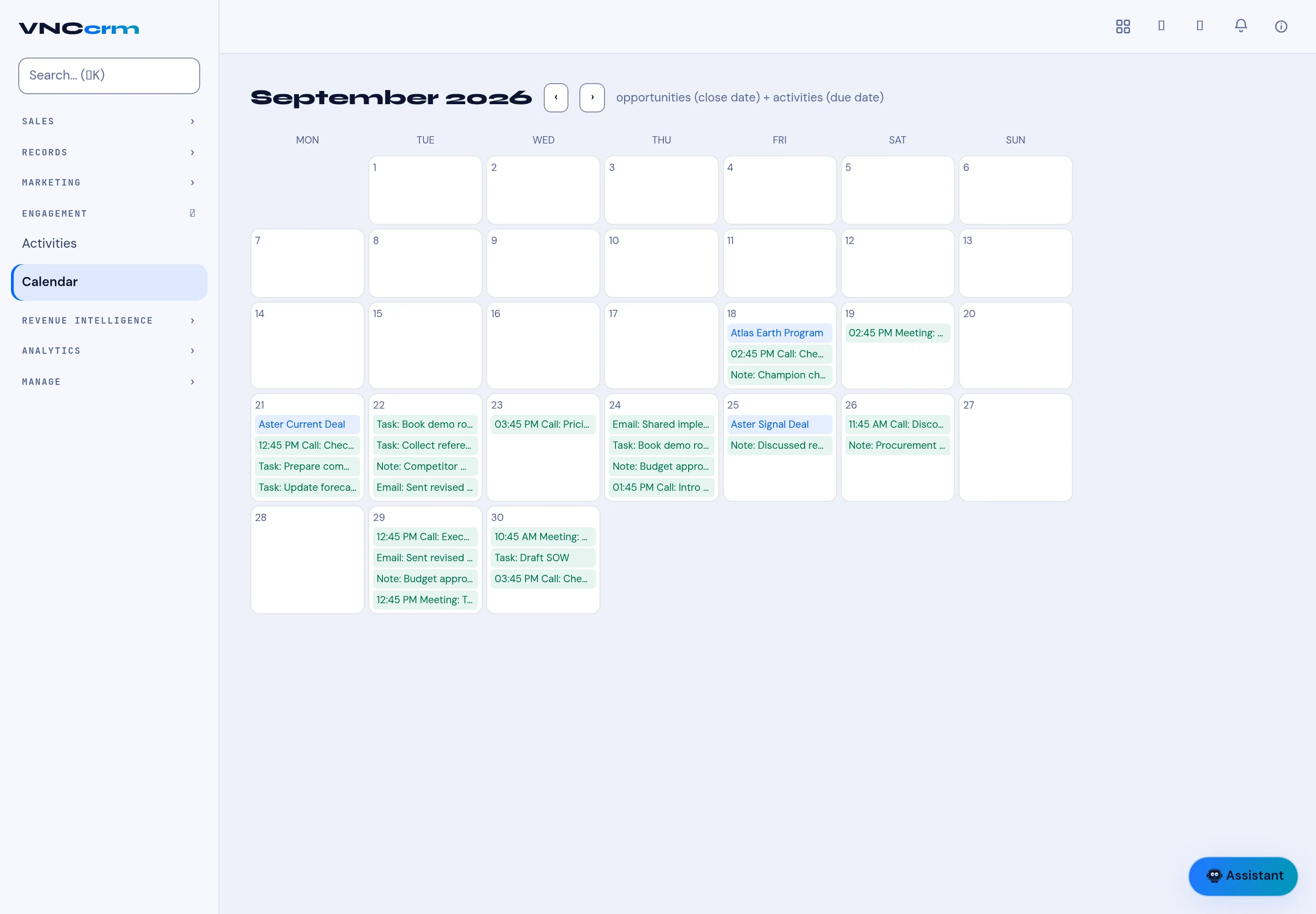
The CRM calendar
Engagement → Calendar puts your sales timeline on one page: opportunities by their close date and activities by their due date.
What it shows
Section titled “What it shows”- Opportunities — a deal appears on its close date (for example Atlas Earth Program, Aster Current Deal).
- Activities — calls, meetings, tasks, notes and emails on their due date (coloured by kind: Call, Meeting, Task, Note, Email).
- Move month to month with the arrows. Selecting an entry opens the opportunity or the activity.
Log an activity from anywhere (a deal, a contact, or the Activities list) and it lands here. → Log an activity