Create a board
A board holds cards that move through columns. Start from a blank board or from a template.
- Open Boards and select + New board.
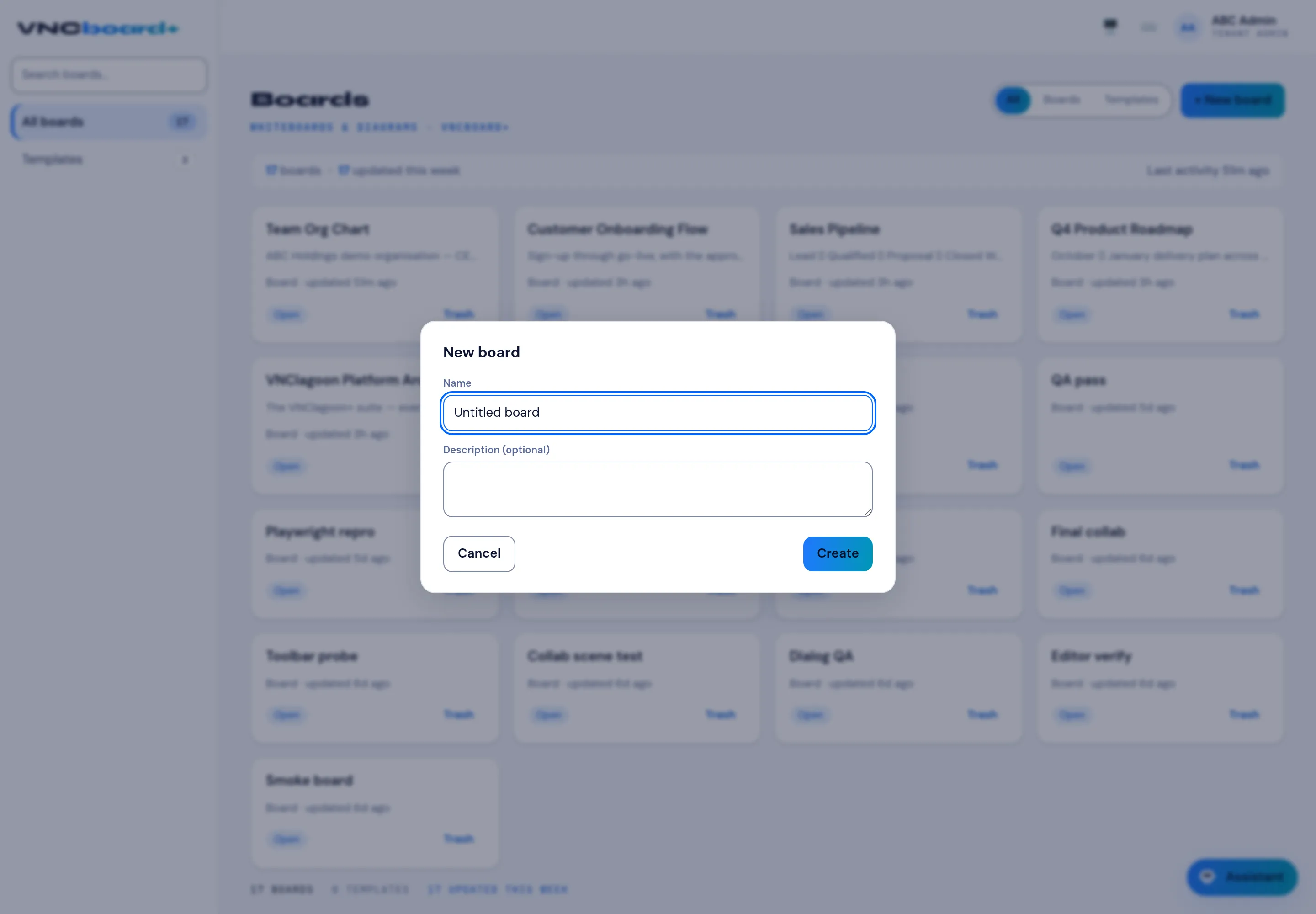
- Enter a Name (it starts as Untitled board).
- Optionally add a Description.
- Select Create.
Result
Section titled “Result”The new board opens and appears in All boards. Trashed boards are removed from the list but can be restored while the trash is kept.