The left navigation
VNCfluid is the workspace shell. Its left rail is the suite’s app launcher — one icon per product, so you can jump anywhere without going back to the portal. The board in the middle is your My Day dashboard.
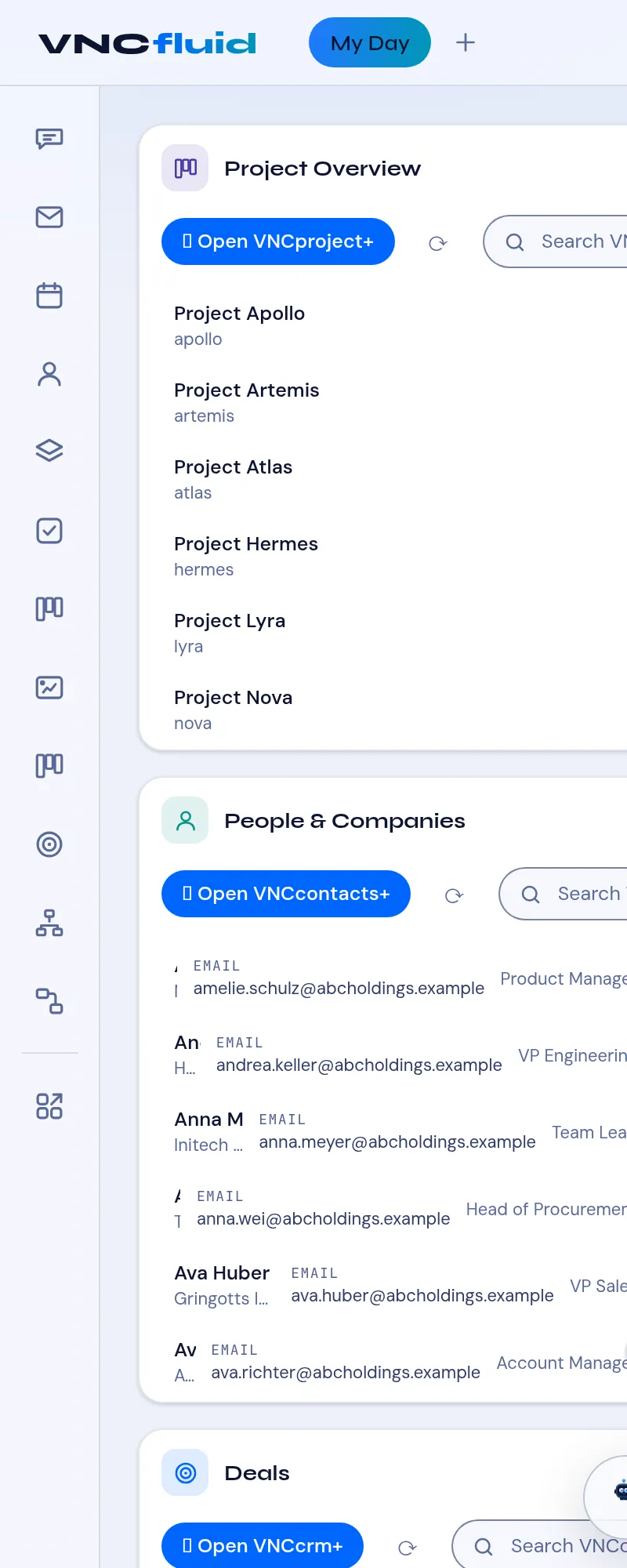
The app rail
Section titled “The app rail”| Icon | Opens |
|---|---|
| VNCchat+ | Chat and rooms. |
| VNCmail+ | Webmail. |
| Calendar | Your calendar. |
| VNCcontacts+ | Contacts. |
| VNCchannels+ | Channels and topics. |
| VNCtask+ | Tasks. |
| VNCproject+ | Projects and work items. |
| VNCboard+ | Whiteboards. |
| VNCfiles | Files. |
| VNCcrm+ | Sales pipeline. |
| draw.io | The embedded diagram editor. |
| VNCportal | Back to the launcher. |
Each opens the product already signed in (single sign-on).
Around the rail
Section titled “Around the rail”- The workspace tabs (top bar) switch between My Day and each project or team Workspace — Workspaces.
- The Portlet catalog (top bar) adds cards to your board — The portlet catalog.
- The Assistant (bottom right) answers questions about what is on screen — Use the assistant.
- Appearance, Keyboard shortcuts, Notifications, About and Your account are the top-bar controls.