First steps with VNCboard+
By the end of this tour you will have created a board, opened it, and added an element.
1. Open Boards
Section titled “1. Open Boards”Open VNCboard+ from the portal. All boards lists your boards and any you can open.
2. Create a board
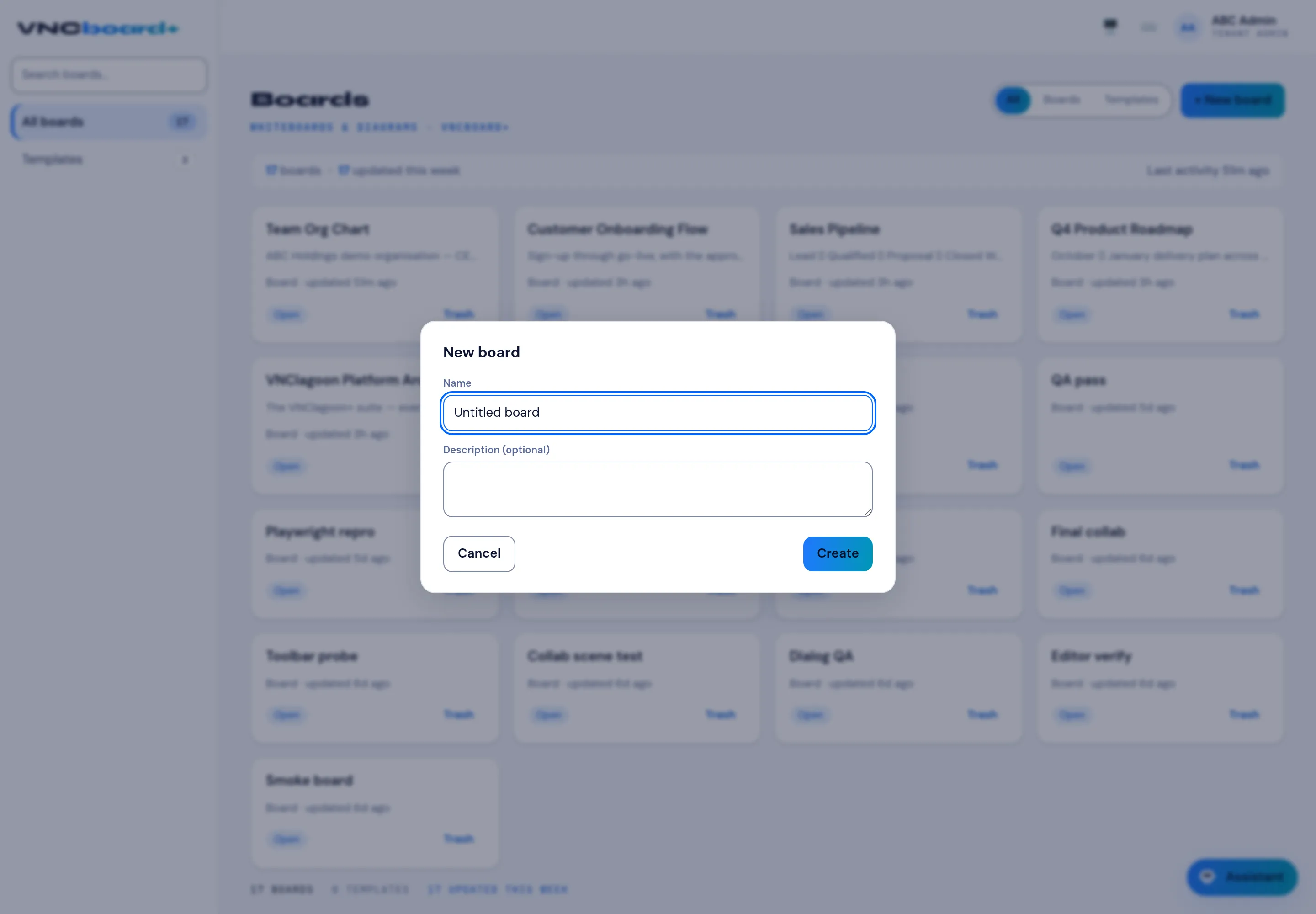
Section titled “2. Create a board”Select + New board, give it a name (for example Sales Pipeline) and select Create.
3. Open the canvas
Section titled “3. Open the canvas”Select the board to open it on the infinite canvas. Pan with the mouse wheel or Space; use the left toolbar to add cards, notes, shapes and connectors.
4. Add and publish
Section titled “4. Add and publish”Add a card or a text element, then select Go live to publish the board or Share to send it to colleagues.
What you learned
Section titled “What you learned”- Boards are canvases; elements are placed and connected.
- Library has reusable templates and assets.