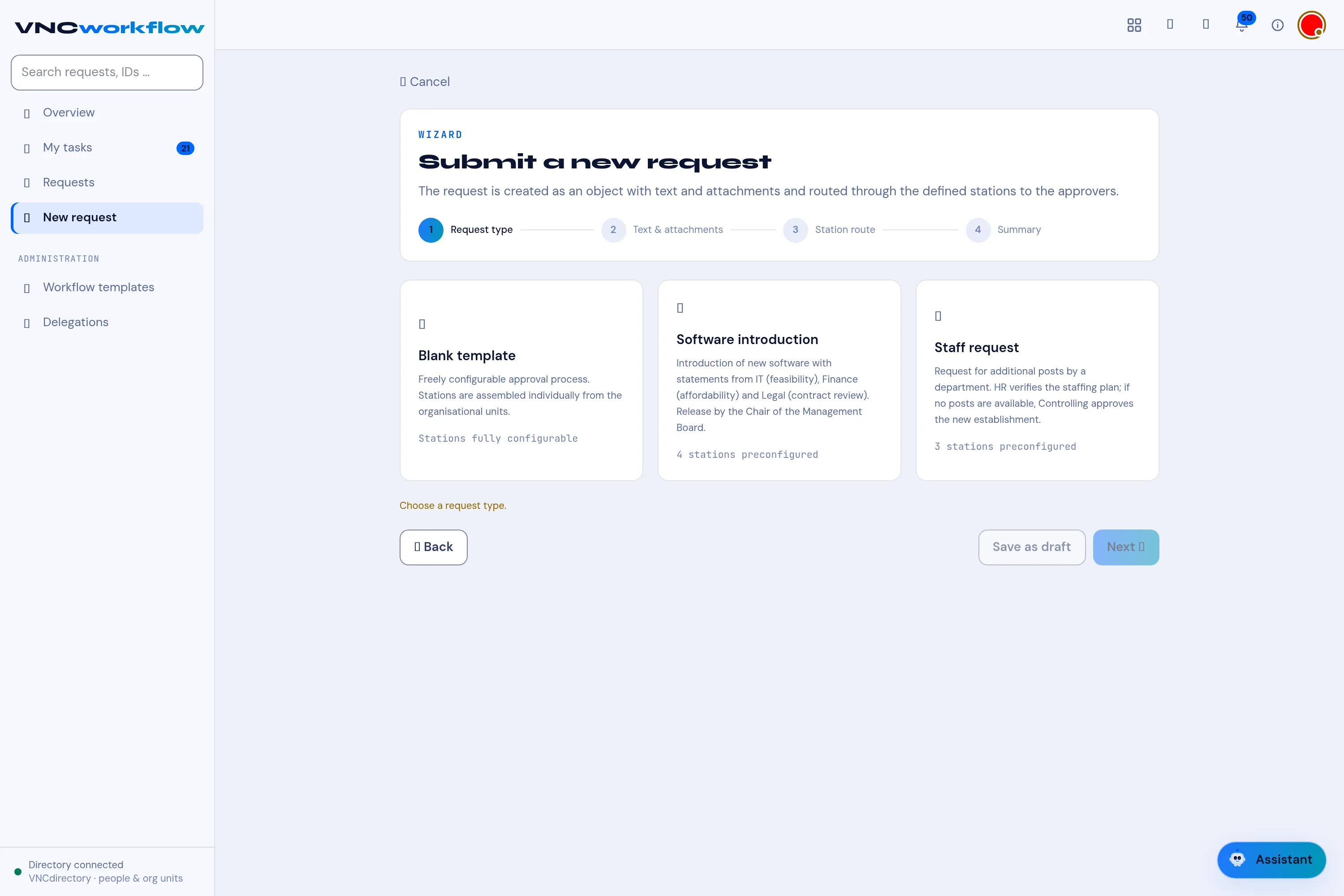
The create wizard
Submit a new request is a four-step wizard. The template decides the route; you fill in the content and confirm.
1. Request type
Section titled “1. Request type”Pick the template the request is based on. Each card shows its description and whether its stations are preconfigured (n stations preconfigured) or fully configurable. → Start a request
2. Text & attachments
Section titled “2. Text & attachments”- Request title — required (at least 4 characters).
- The request text — required (at least 11 characters).
- Attachments — add documents to the request.
- Form fields — the simple facts the template asks for (for example Positions available in the staffing plan?). These feed the conditional stations.
3. Station route
Section titled “3. Station route”The approval route. A preconfigured template shows its stations; otherwise add them yourself (+ Add station) with a task and a responsibility (at least one station is required).
4. Summary
Section titled “4. Summary”Review everything and Submit request — the first stations are notified, and all participants get in-app notifications. Save as draft keeps it for later.