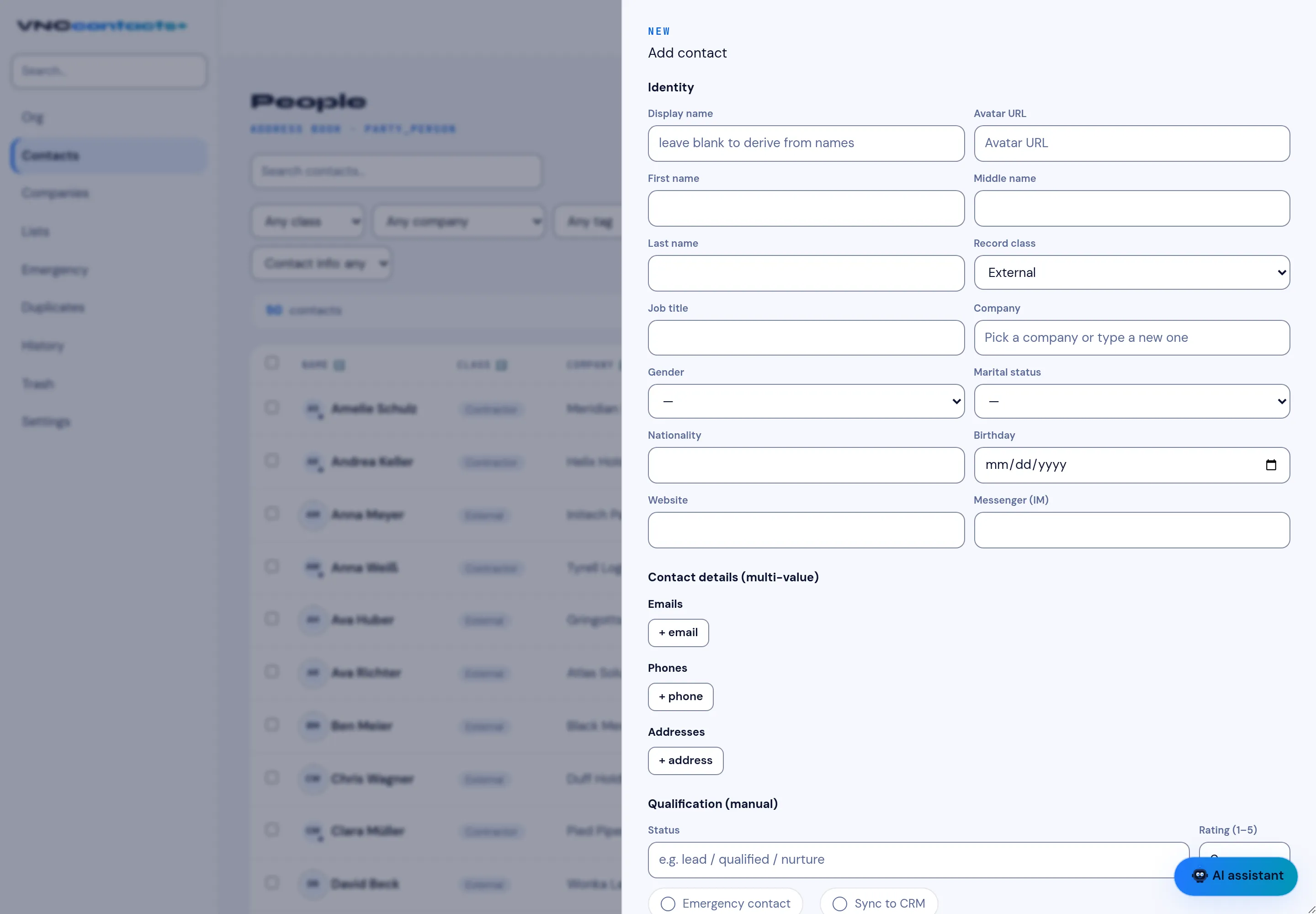
Add a contact
Add a contact for anyone you deal with — a customer, a partner or a colleague outside the directory. Contacts are private to your organization’s address book unless you share a list.
- Open Contacts and select + New contact.
- Under Identity, enter the First name and Last name. The Display name is derived from them if you leave it blank.
- Choose the Record class (for example External), and optionally a Job title and Company.
- Add contact details with + email, + phone and + address. Each can hold more than one value.
- Optionally set Qualification — Status, Rating, Emergency contact, and Sync to CRM.
- Select Save.
Result
Section titled “Result”The contact appears in the Contacts list and in the company it belongs to. If you enabled Sync to CRM, VNCcrm can see the contact too.