Run a competitive analysis for a company
Before a meeting or a proposal, you can ask VNCai to research a company’s competitive landscape and keep the result on the company record.
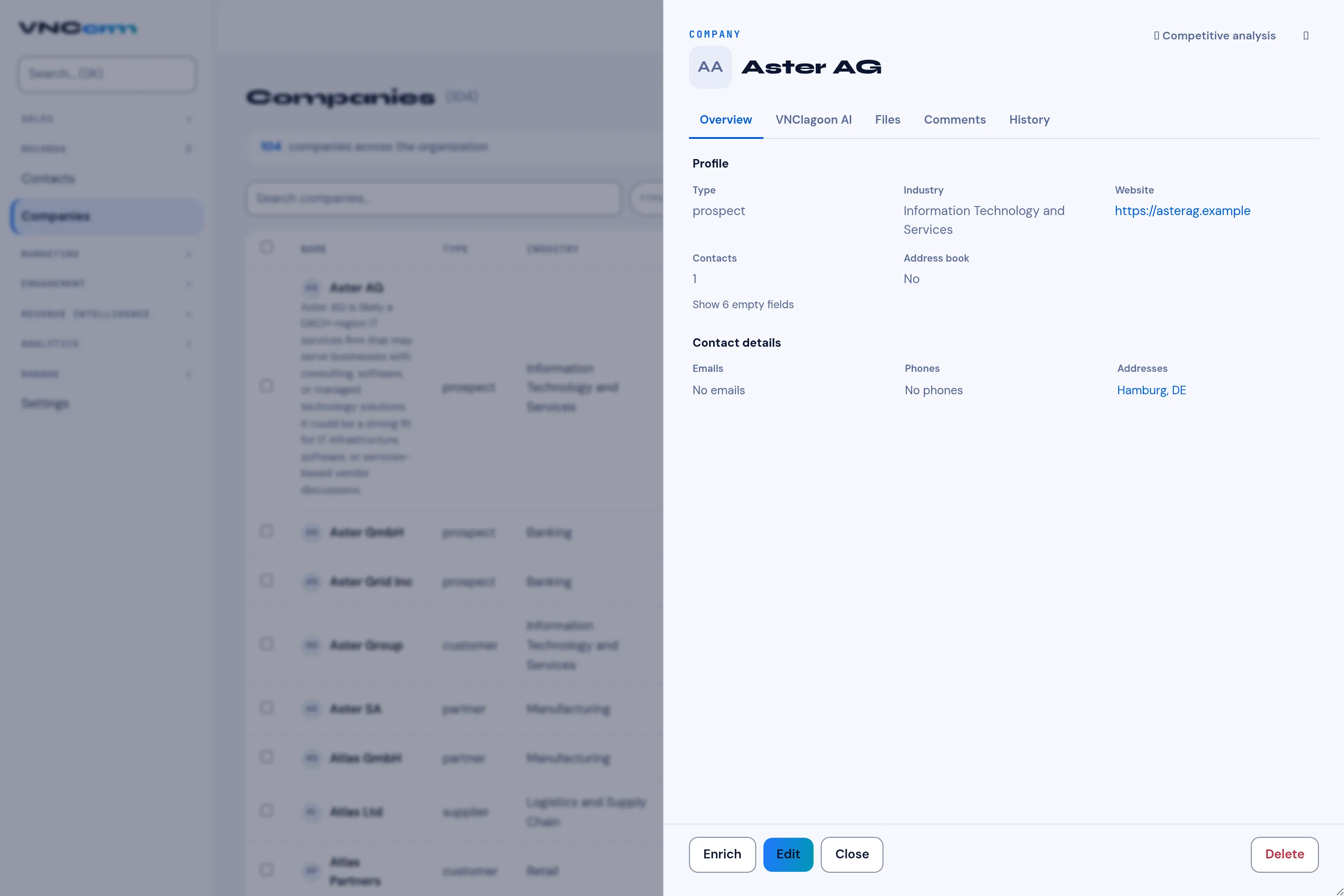
- Open Companies and select the company to open its drawer.
- Select Competitive analysis at the top of the drawer. The button shows Analysing… while the job runs.
- The result appears in a card headed … — competitive analysis, saved on the company’s VNClagoon AI tab.
What it does
Section titled “What it does”- The public competitor research runs on an external AI (shown as an External AI · <source> badge on the result).
- The synthesis runs locally, against your own records, and the written analysis is stored on the company — it does not leave your instance.
Good to know
Section titled “Good to know”- The company drawer also has a VNClagoon AI tab for the AI brief and other assistant actions (see VNCcrm).
- The action is rate-limited; if you run it repeatedly, wait a moment before trying again.