Manage your conversations
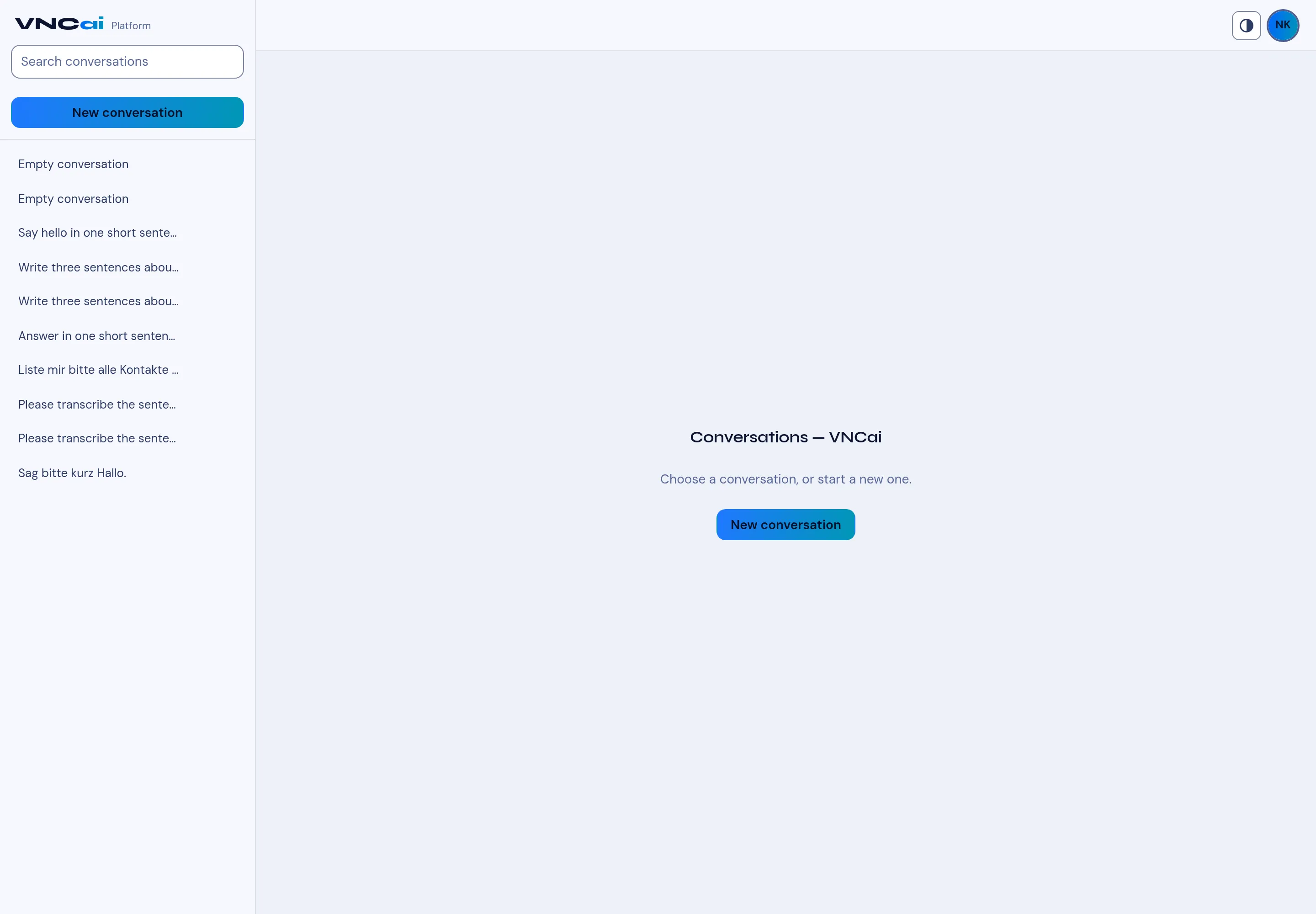
Every conversation is kept in the list on the left. You can rename, delete and search them.
Rename
Section titled “Rename”- Select a conversation in the list.
- Select the pencil icon beside it.
- Type the new title and confirm. Renaming is useful when the auto-title is vague (for example Empty conversation).
Delete
Section titled “Delete”Select the trash icon beside a conversation to remove it. Deletion is immediate.
Search
Section titled “Search”Use Search conversations at the top of the list — the list narrows as you type. Clear the box to see everything again. See Find a conversation.
Start fresh
Section titled “Start fresh”Select New conversation to begin a new thread; the previous ones stay in the list. An empty board reads Conversation — Ask something to begin.