Read and reply to a message
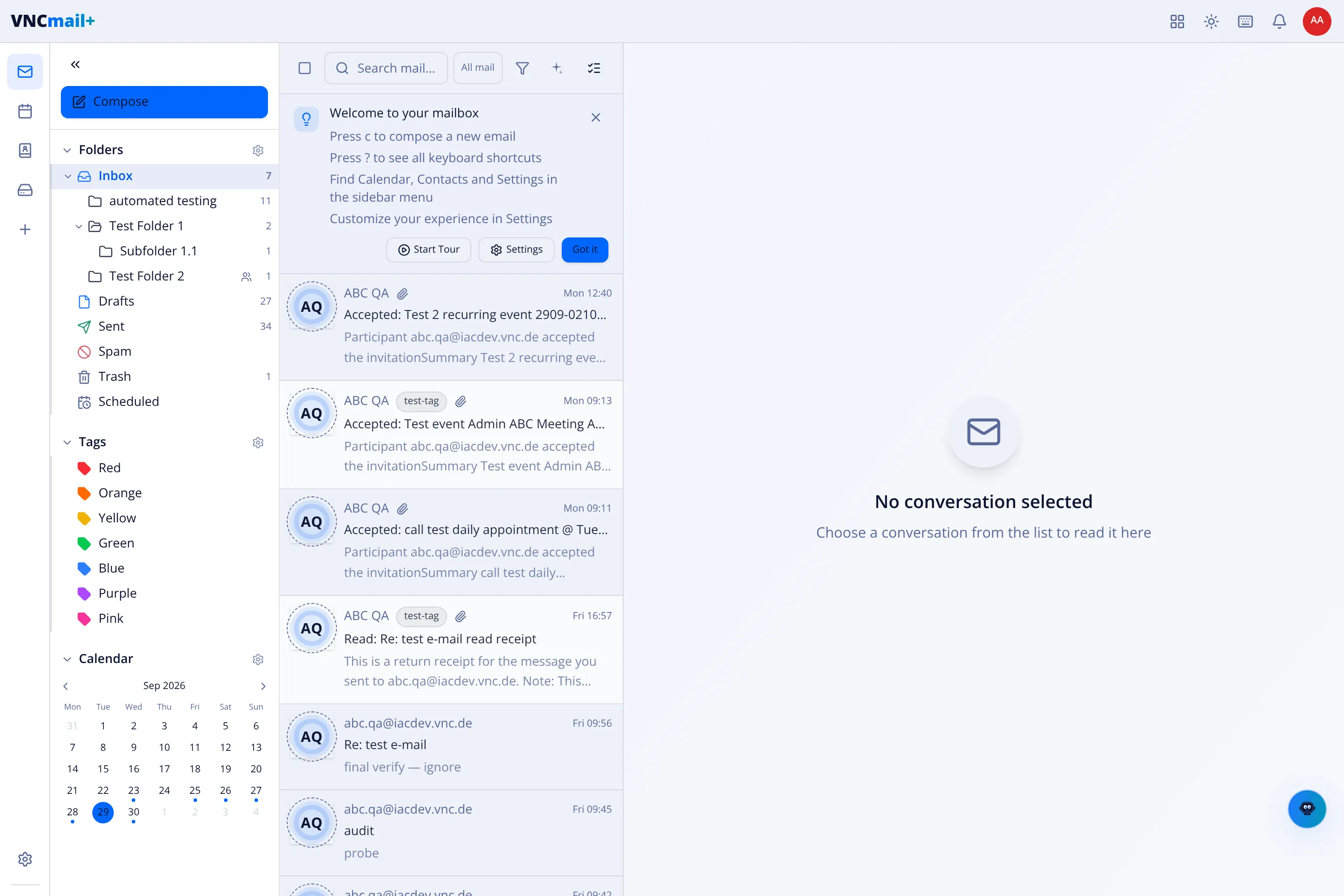
Messages open in the reading pane on the right, with everything you can do to them on the toolbar above it.
-
Open VNCmail+ and choose a folder — Inbox by default.
-
Select a message in the list. It opens in the reading pane; the row shows who sent it, To: me, the subject and the body.
-
Use the toolbar to act:
Action What it does Reply Answers the sender only. Reply All Answers the sender and everyone on To / Cc. Forward Sends the message on to a new recipient. Create Appointment Puts a meeting in your calendar from the message. Archive Files the message out of the inbox. Delete Moves it to Trash. -
Or type in Write a quick reply… at the bottom of the pane and send without opening the full composer.
Result
Section titled “Result”Replies are threaded under the original, and the message leaves your inbox when you archive or delete it.