How boards, go-live and sharing work
A VNCboard+ board is an infinite canvas you edit, and then share. There are two different ways to bring other people in, and they do different things: Go live for live co-editing, Share for a read-only link.
Editing
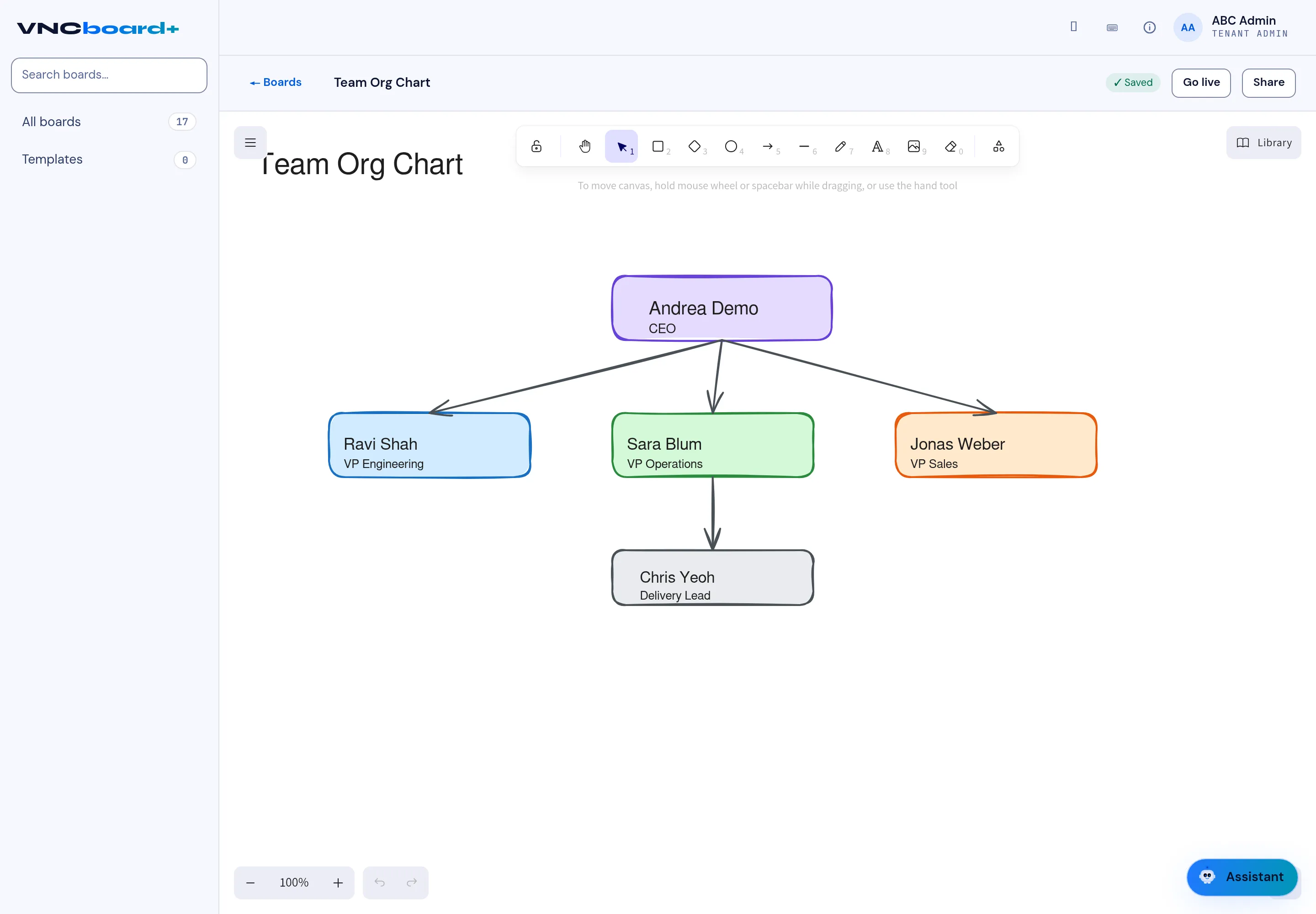
Section titled “Editing”You place elements (cards, notes, shapes, text, images, connectors) using the toolbar, and style them. Editing is autosaved — the top bar shows Saved.
Go live — co-edit in real time
Section titled “Go live — co-edit in real time”Go live starts a live session and copies an invite link to your clipboard. Everyone who opens that link joins the same board and co-edits with you — the session is end-to-end encrypted, and you see each other’s cursors. While a session is running the button reads ● Live · N with the number of people in it; select it again to leave the live session. See Go live and co-edit a board.
Share — a read-only link
Section titled “Share — a read-only link”Share mints a read-only, expiring link: viewers can look at the board but never edit it. Use this to hand out a board to people who only need to see it.
Library and templates
Section titled “Library and templates”Library holds reusable blocks and assets, and Templates let you start a board from a saved pattern instead of a blank canvas.
Deleted boards leave All boards but stay in the trash, so an accidental Trash is recoverable.