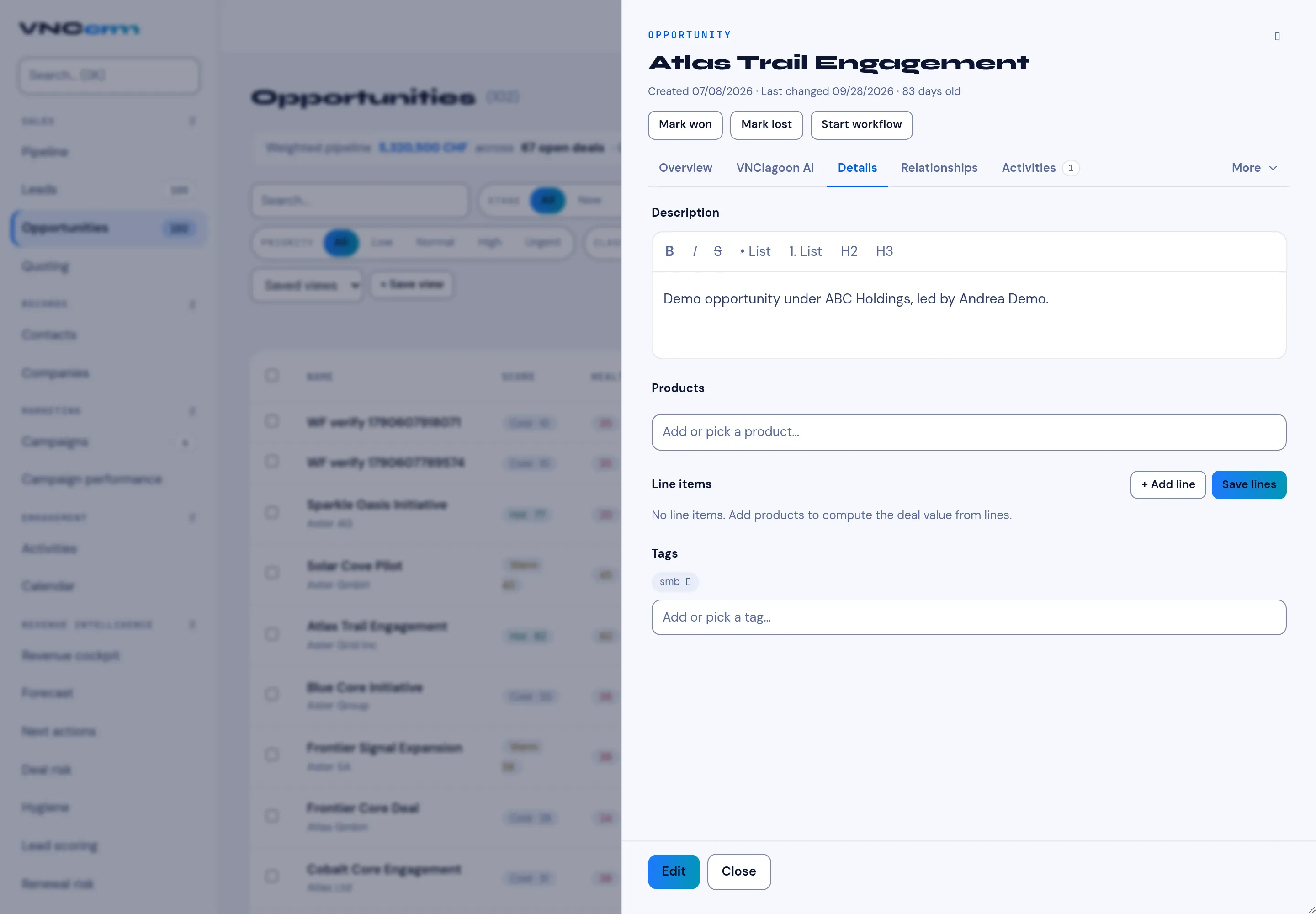
The deal Details tab
The Details tab on an opportunity holds what the deal is made of. It is where the deal value comes from when it is computed from line items.
Sections
Section titled “Sections”| Section | Holds |
|---|---|
| Description | Rich text (bold, italic, lists, headings) describing the deal. |
| Products | Add or pick a product. |
| Line items | The priced lines. + Add line adds one; Save lines commits them. No line items. Add products to compute the deal value from lines. |
| Tags | Labels such as cross-sell. |
Why line items matter
Section titled “Why line items matter”When a deal has line items, the deal value is computed from them — and the discount/value rules that trigger an approval are evaluated against the lines — see Quotes and approvals.
At the foot of the panel, Edit opens the full form and Close dismisses it.