A person's timeline and AI brief
Open a person — from a contact in VNCcontacts+, or from the Action Wheel → Profile anywhere in the suite — and their profile brings together what the suite knows about them.
The Timeline
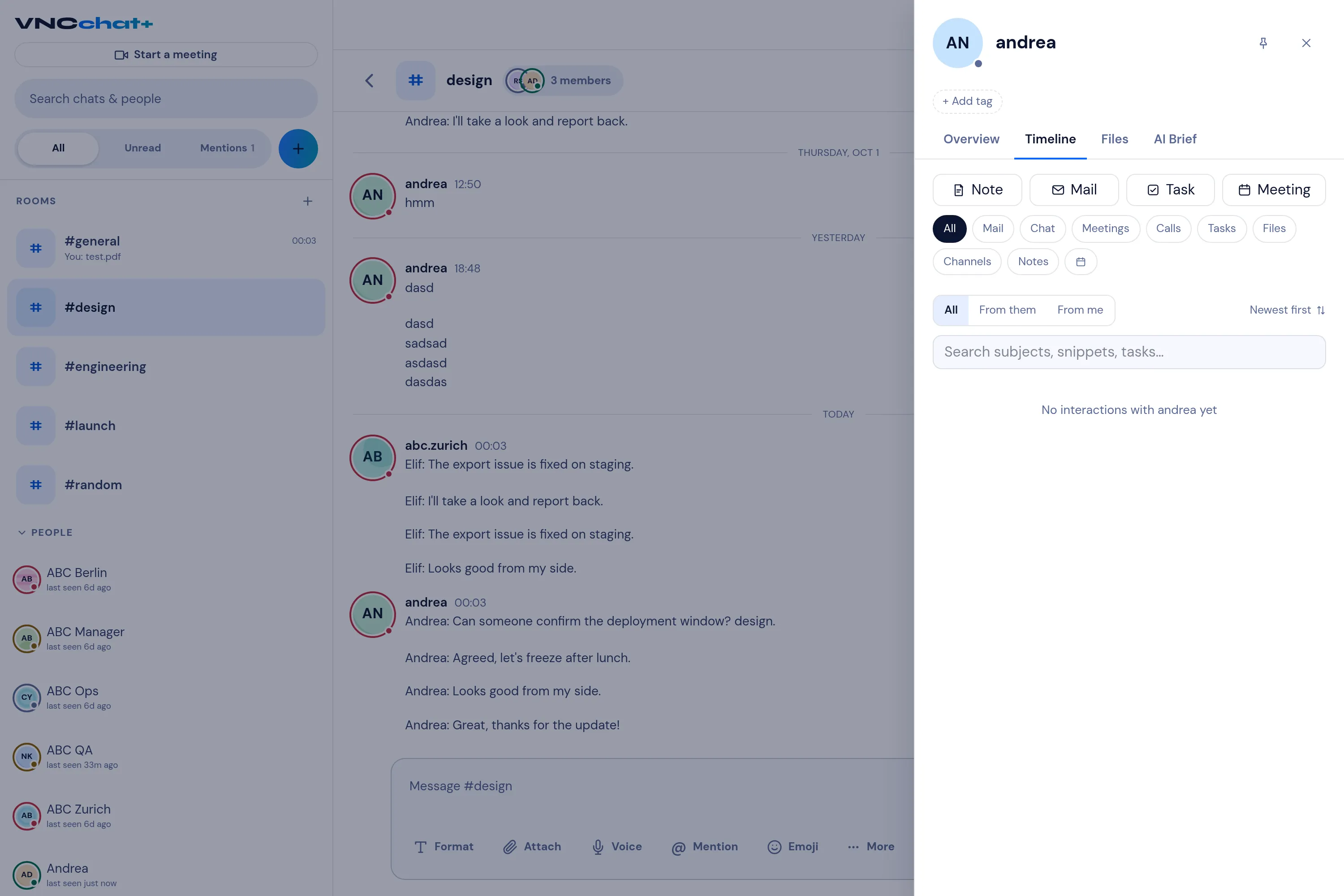
Section titled “The Timeline”The Timeline is one chronological feed of everything about that person across the products: email, chat, meetings, calls, tasks, files, channels and notes. It is newest first and grouped by day, so you can pick up a relationship without opening each app in turn.
- Filter by type with the type chips, and search across subjects, message and note text and task titles.
- Quick-log a note to add an entry of your own.
- Pin an entry to keep it to hand.
- Select an entry to open it in its product, in context.
- If some activity is withheld from you, the timeline shows a locked entry for that class instead of its content.
The AI brief
Section titled “The AI brief”The AI brief summarises who the person is, what you have been doing with them recently, and any open commitments — grounded in the timeline (emails, chats and meetings).
Good to know
Section titled “Good to know”- The timeline draws on a cross-product index of activity, so it fills in as the products record it. A brand-new contact may start out sparse.
- A person’s consent notes, suppression and custom fields live with the contact in VNCcontacts+.