Quotes and approvals
A quote is built from a deal’s line items — the products and prices you already have on the deal. You do not write a quote from scratch; VNCcrm computes it, and flags the ones that need approval.
- Open a deal (from the Pipeline) and select the Details tab.
- Under Line items, select + Add line and fill the row: Product, Qty, Unit price and Disc %. Add as many lines as you need.
- Select Save lines. Saving sets the deal amount to the line total.
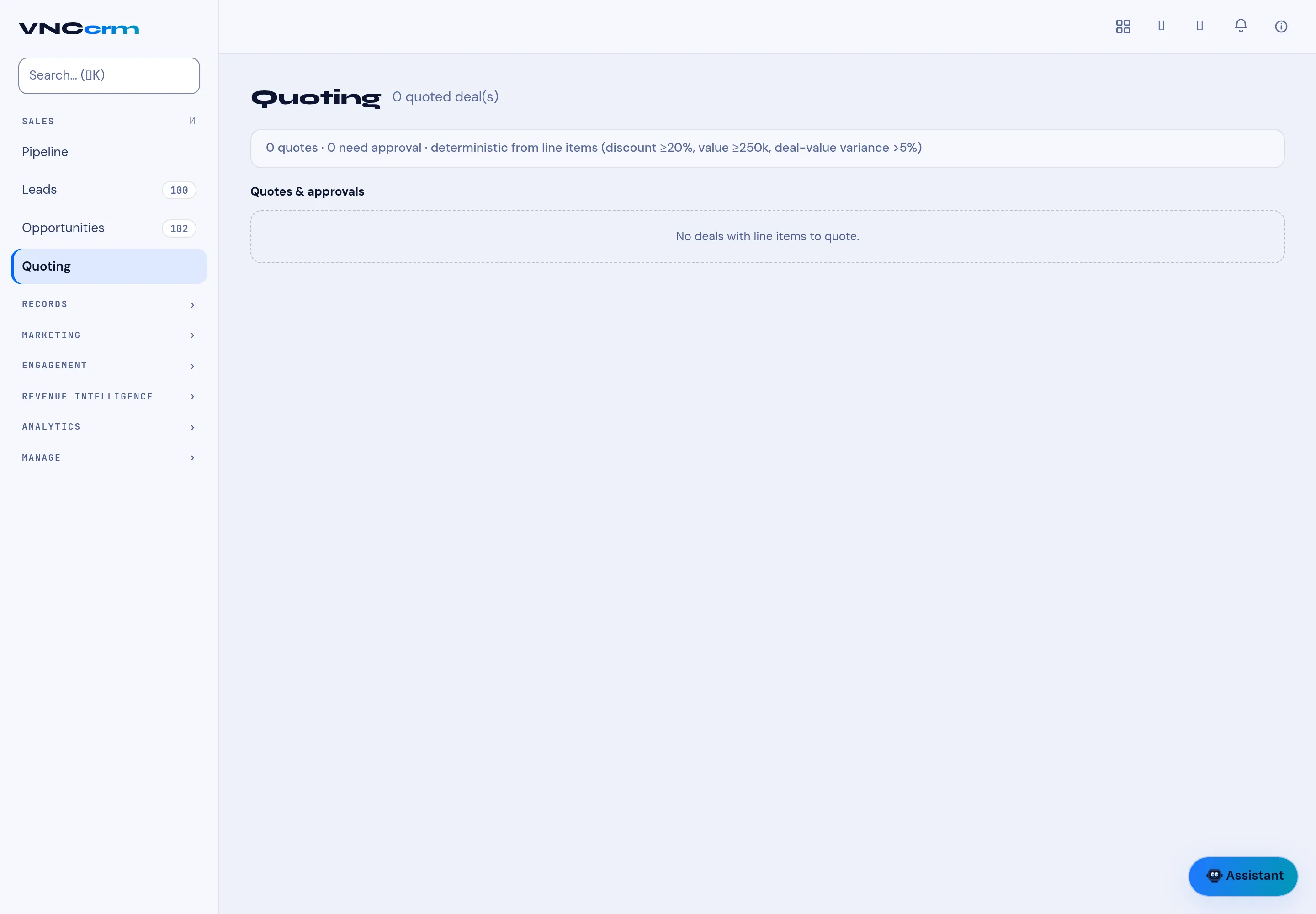
- Open Quoting in the left navigation to see all quoted deals.
The Quoting page
Section titled “The Quoting page”- The header counts quoted deals, quotes and how many need approval.
- Each row shows the Deal, Deal value, Quote total, Variance (the difference between the two) and an Approvals count, plus Draft cover.
What needs approval
Section titled “What needs approval”A quote is flagged deterministically from its line items:
- discount ≥ 20%, or
- value ≥ 250k, or
- deal-value variance > 5%.
Those are the thresholds shown above the table, so anyone can see why a quote is on the list.