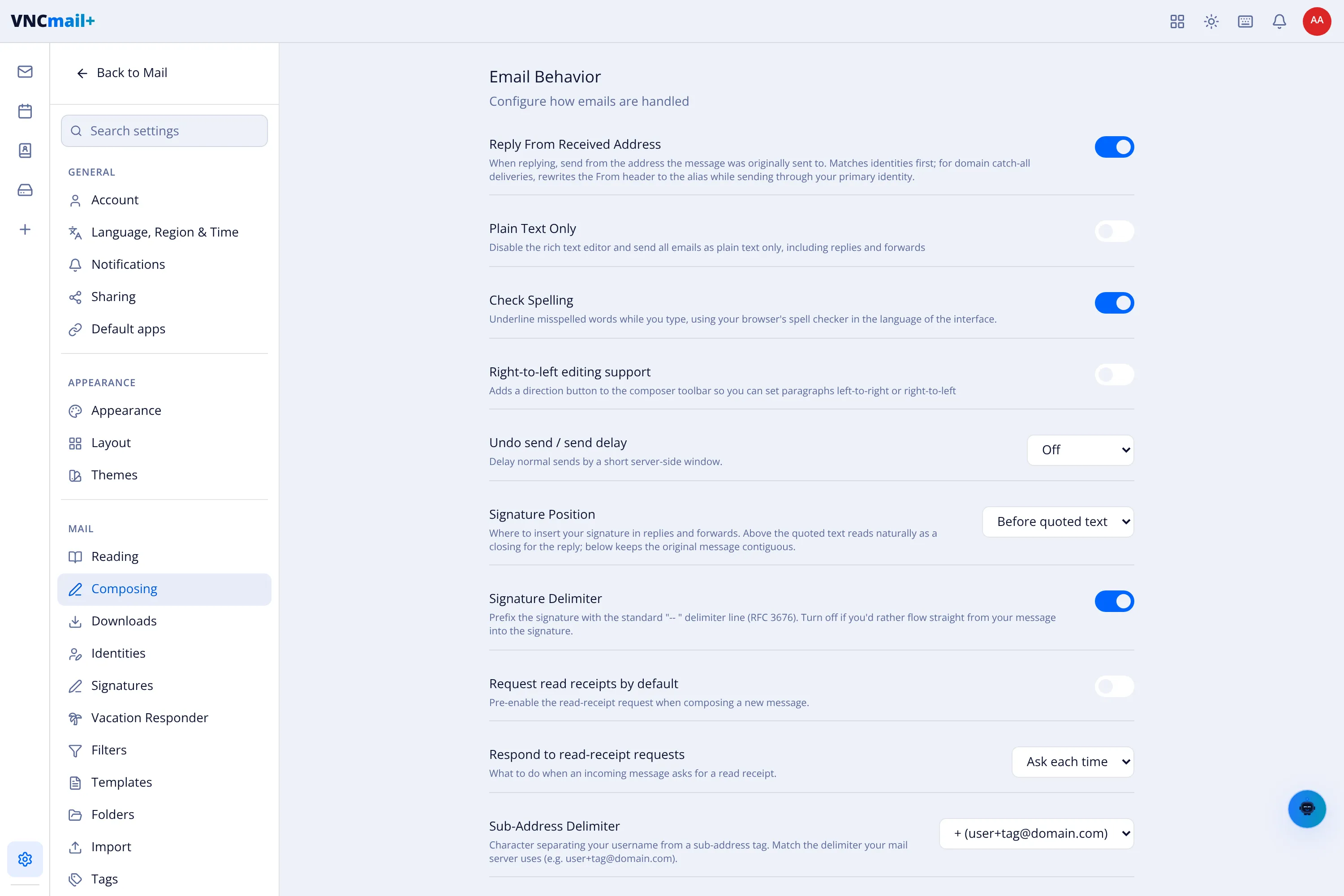
Composing settings
Settings → Composing (titled Email Behavior) controls how messages are written and sent.
| Setting | What it does |
|---|---|
| Reply From Received Address | When replying, send from the address the message was sent to. Matches identities first; domain catch-all deliveries rewrite the From to the alias. |
| Plain Text Only | Disable the rich-text editor; every mail — including replies and forwards — is plain text. |
| Check Spelling | Underline misspelled words as you type (browser spell checker, in the interface language). |
| Right-to-left editing support | Adds a direction button so paragraphs can be left-to-right or right-to-left. |
| Undo send / send delay | Delay normal sends by a short server-side window so you can pull a message back. |
| Signature Position | Place the signature above or below the quoted text in replies. |
| Signature Delimiter | Prefix the signature with the standard -- line (RFC 3676); off keeps it flowing from your message. |
| Request read receipts by default | Pre-enable the read-receipt request on a new message. |
| Respond to read-receipt requests | What to do when incoming mail asks for a receipt — Ask each time, always, or never. |
| Sub-Address Delimiter | The character separating your username from a sub-address tag, e.g. + in user+tag@domain.com. |
| Attachment Reminder | Warn before sending when the message mentions an attachment but none is attached. |