Leads
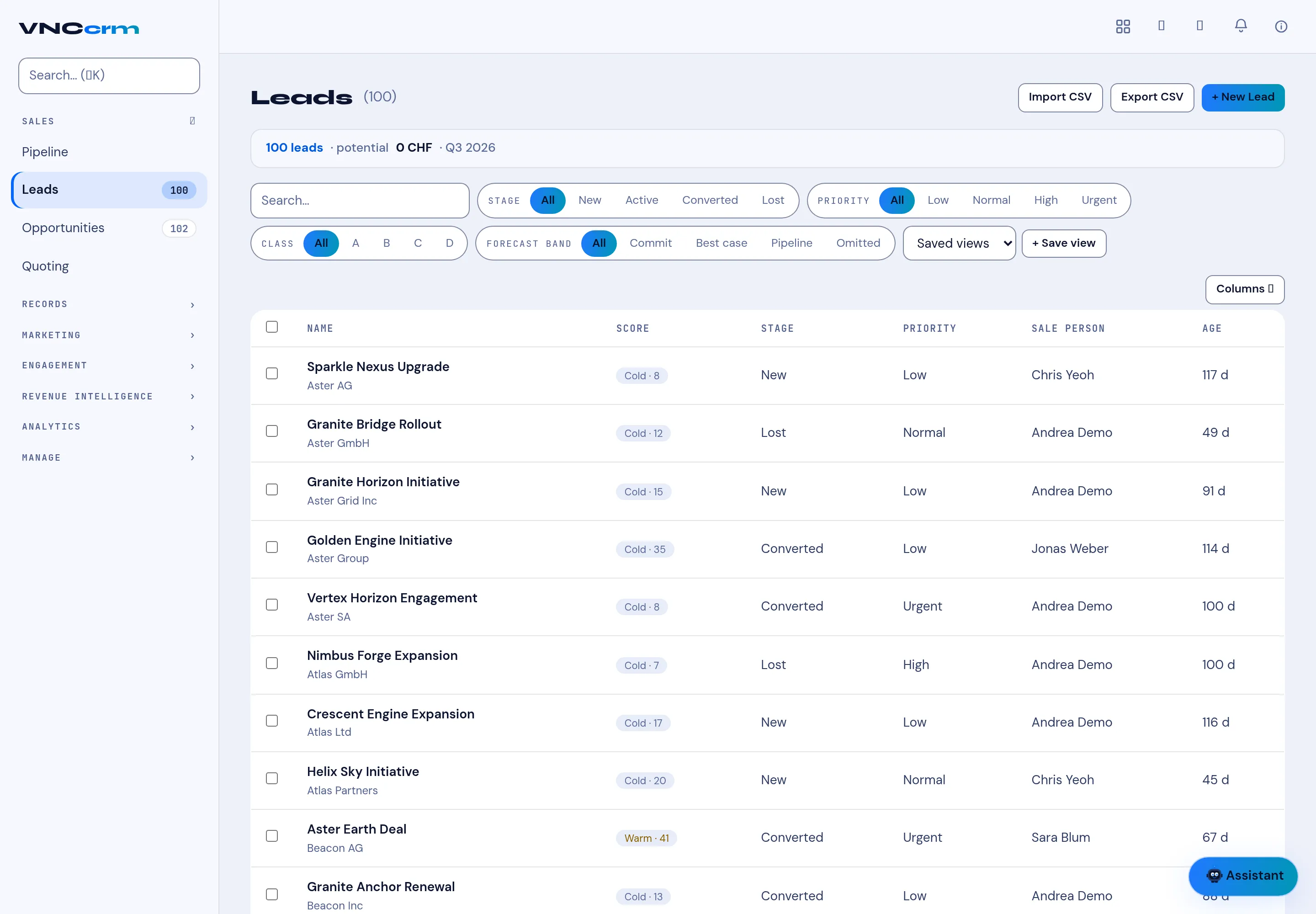
Pipeline → Leads is the board of unqualified interest, before it becomes an opportunity.
The board
Section titled “The board”The columns are the lead stages — New, Active, Converted and Lost — with a count on each. A card shows the lead name, a temperature and priority chip (for example Cold, Warm; Low, Normal, High, Urgent), the owner, and a stage dropdown to move it.
Above the board: Search pipeline… and filters for Sales person, Industry, Priority, Class and Forecast, then + New Lead.
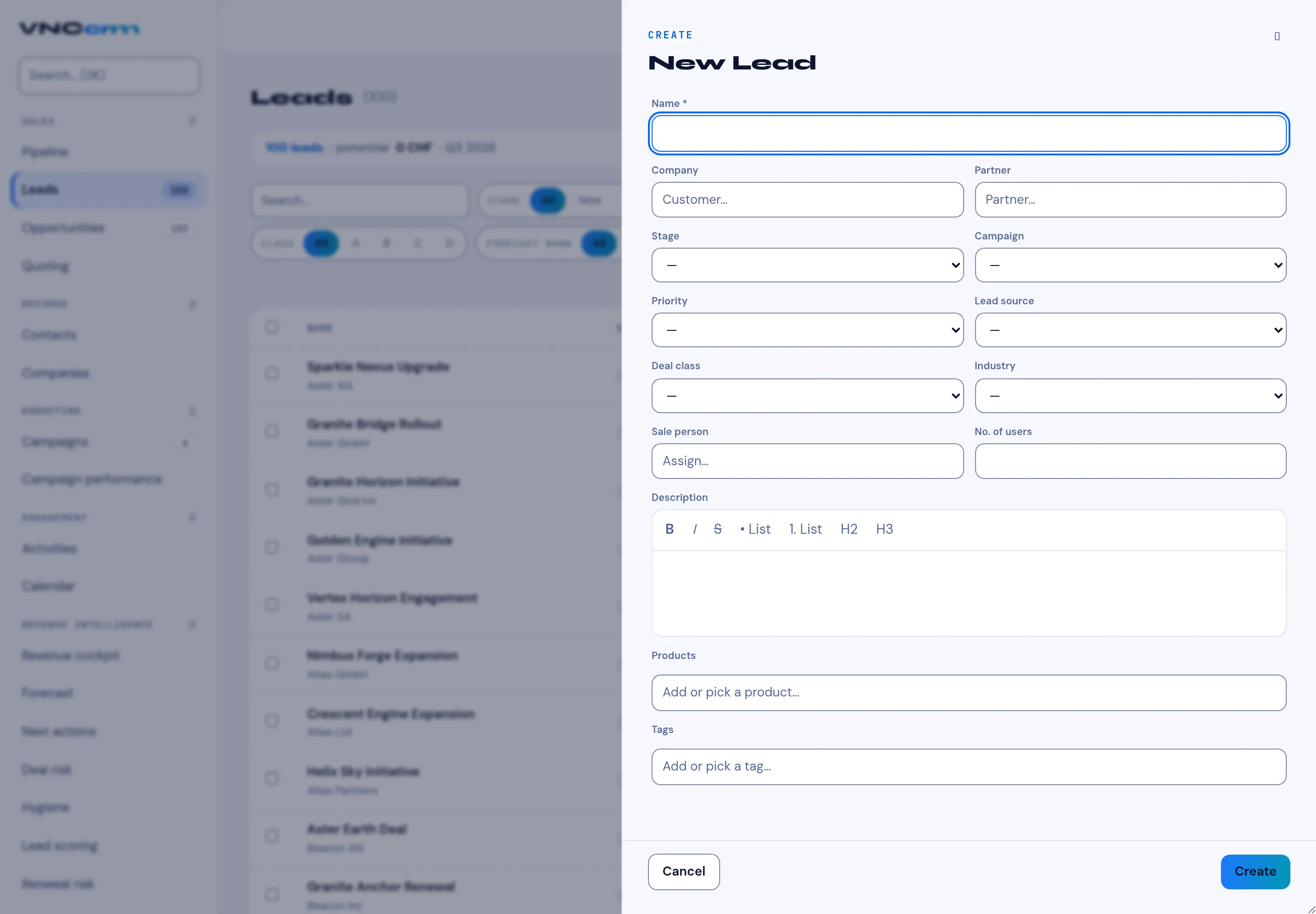
The New Lead form
Section titled “The New Lead form”| Field | Notes |
|---|---|
| Name | Required. |
| Company | The customer company. |
| Partner | A partner, if the lead came through one. |
| Stage | Where the lead sits. |
| Campaign | The marketing campaign it came from. |
| Priority | How hot it is. |
| Lead source | Where it originated. |
| Deal class | The deal category. |
| Industry | The customer’s industry. |
| Sale person | The owner (Assign…). |
| No. of users | The size of the opportunity. |
| Description | Rich text (bold, italic, lists, headings). |
| Products | Add or pick a product. |
| Tags | Add or pick a tag. |
Select Create to save. Convert a qualified lead to an opportunity with the card’s stage — see Work with leads.