Attach a file to a topic
Attach a file when the topic needs the original document — a spec, a deck, a spreadsheet. Files belong to the topic, so they are found again with it.
Before you start
Section titled “Before you start”- You can edit the topic (you are its author, or a moderator of the channel).
- Open the topic.
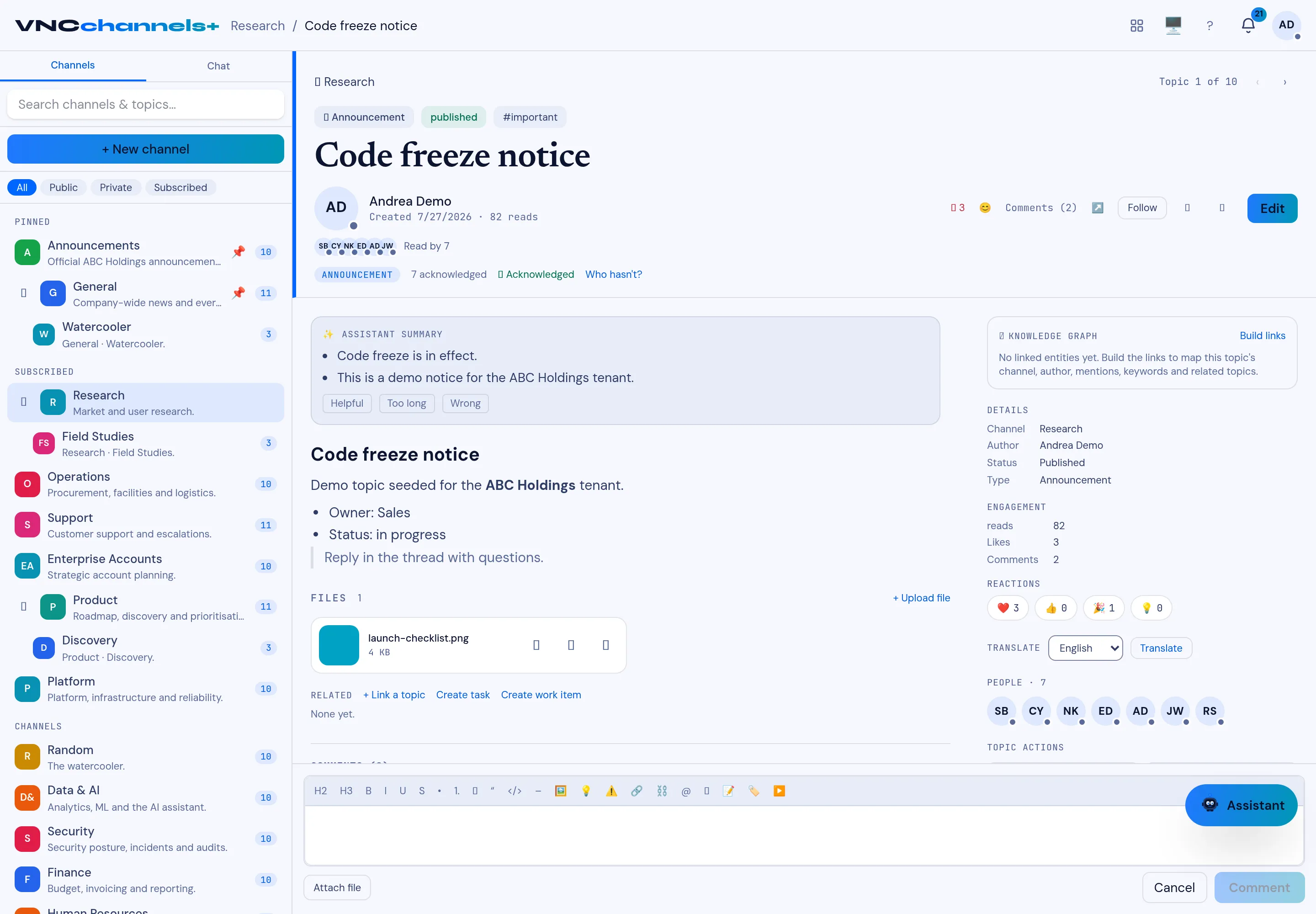
- In the Files section, select + Upload file, or select Attach file below the composer.
- Choose the file. The upload starts immediately.
Result
Section titled “Result”The file appears under Files with its name and size, and a download button. Anyone who can read the topic can download it.