Mark an emergency contact
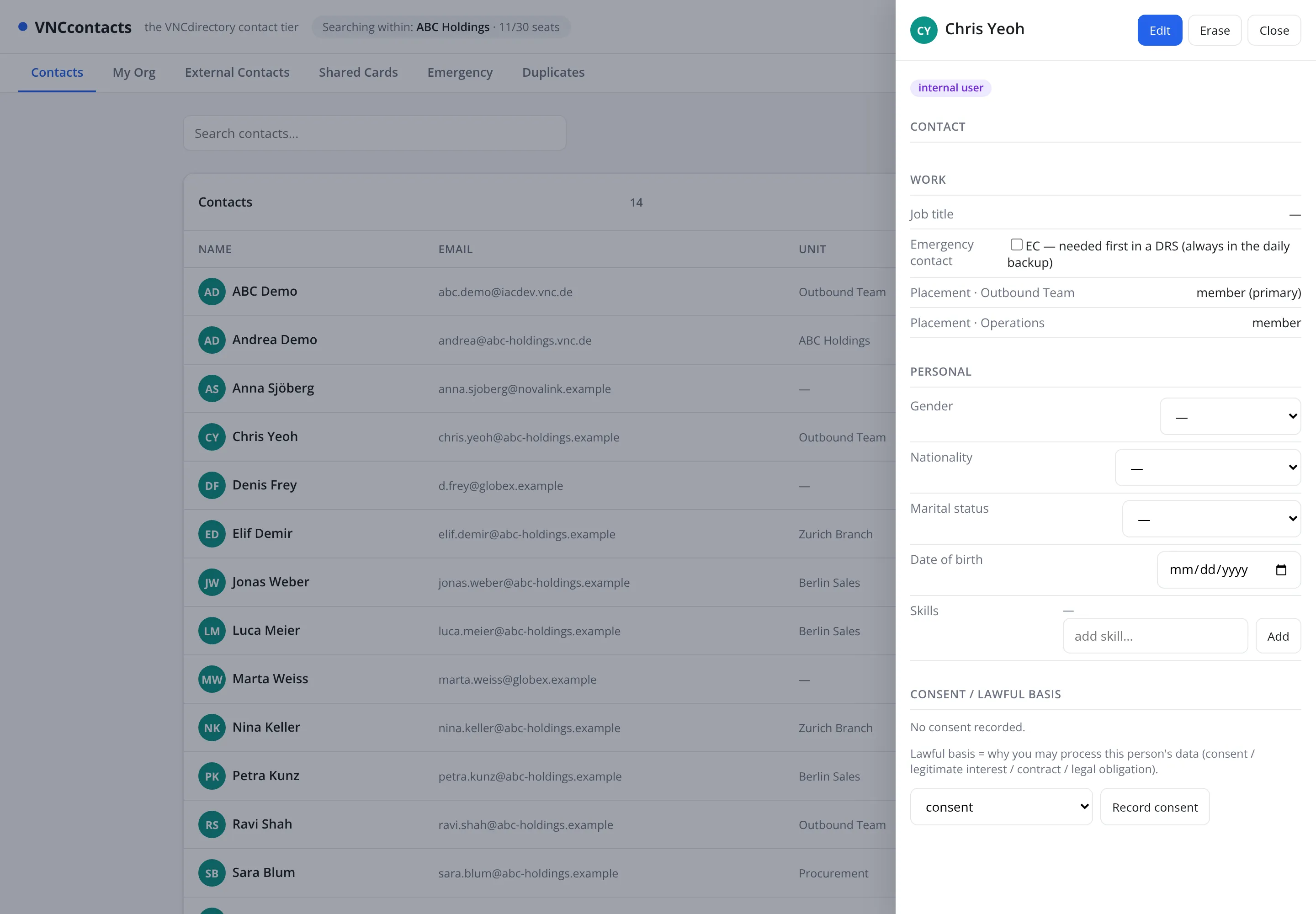
An emergency contact is someone to reach first in a disaster-recovery (DRS) situation. The Emergency tab collects them in one place.
- Open the contact and select Edit.
- In the Work section, tick Emergency contact.
- Select Save.
- To see the whole list, open the Emergency tab at the top of VNCcontacts+.
Result
Section titled “Result”The person is flagged and appears under Emergency. Keep this list short and current — it is what the DRS runbook reaches for when the daily backup is not enough.