A file's rating, notes and custom fields
Open a file to see its viewer. Below the preview, the Details section is where you record what you and your team know about the file.
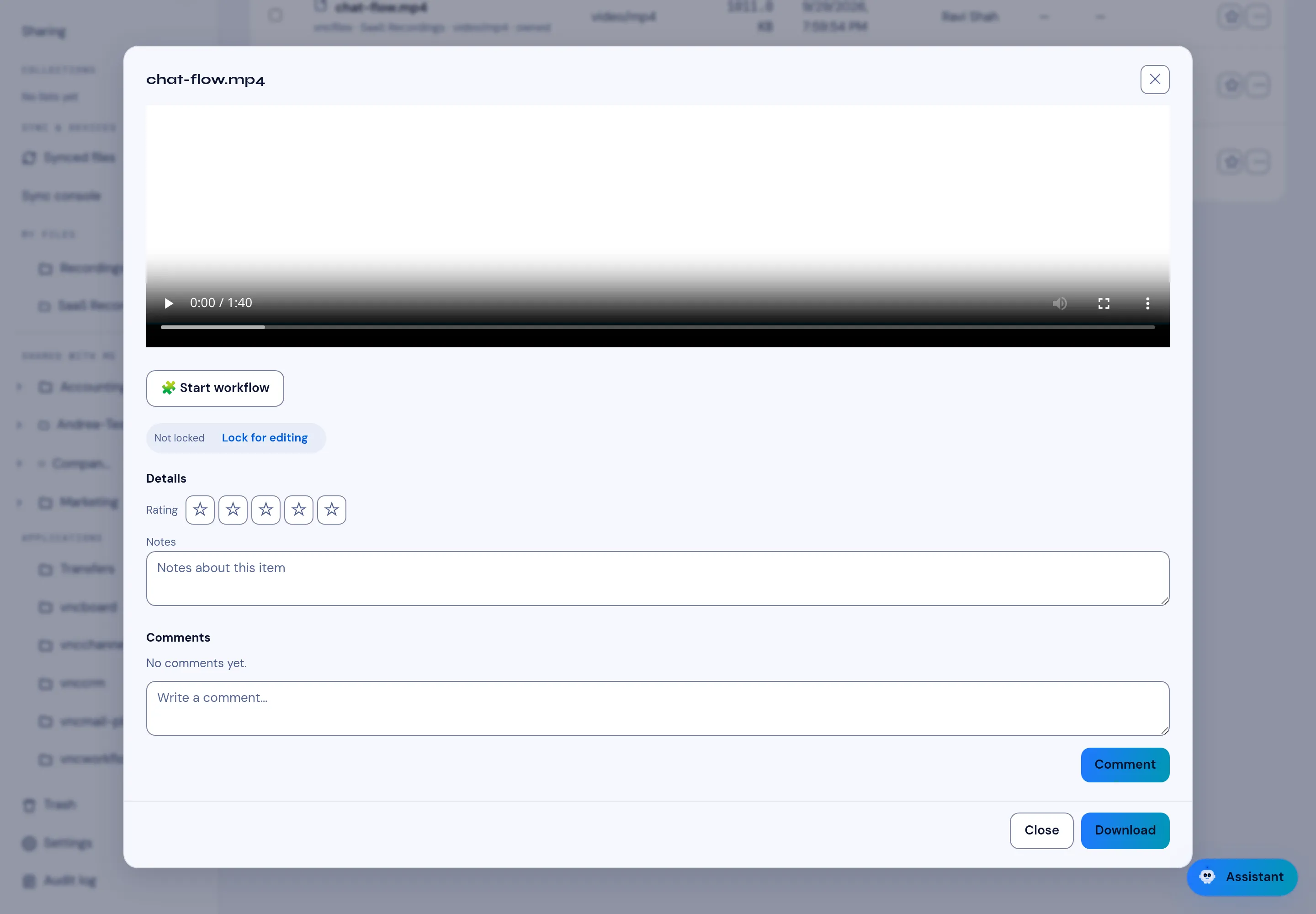
Rating
Section titled “Rating”Rating is a 1–5 star score — and it is yours alone, so two people can rate the same file differently. Select a star to set it; select the same star again to clear it.
Notes is a free-text note that is shared with everyone who can see the file. It saves when you leave the field.
Custom fields
Section titled “Custom fields”If your organisation defines custom fields for files, they appear here too, under Notes. A field is one of:
- text, number or date,
- a checkbox (yes / no), or
- a choice from a fixed list.
A field marked with * is required. Custom fields are defined by an administrator and can also be shown as columns in the file list and used in filters — see Views and file fields.