Close a deal (won or lost)
When an opportunity reaches a decision, close it so the pipeline and forecast stay honest.
-
Open VNCcrm and go to Pipeline (or Opportunities).
-
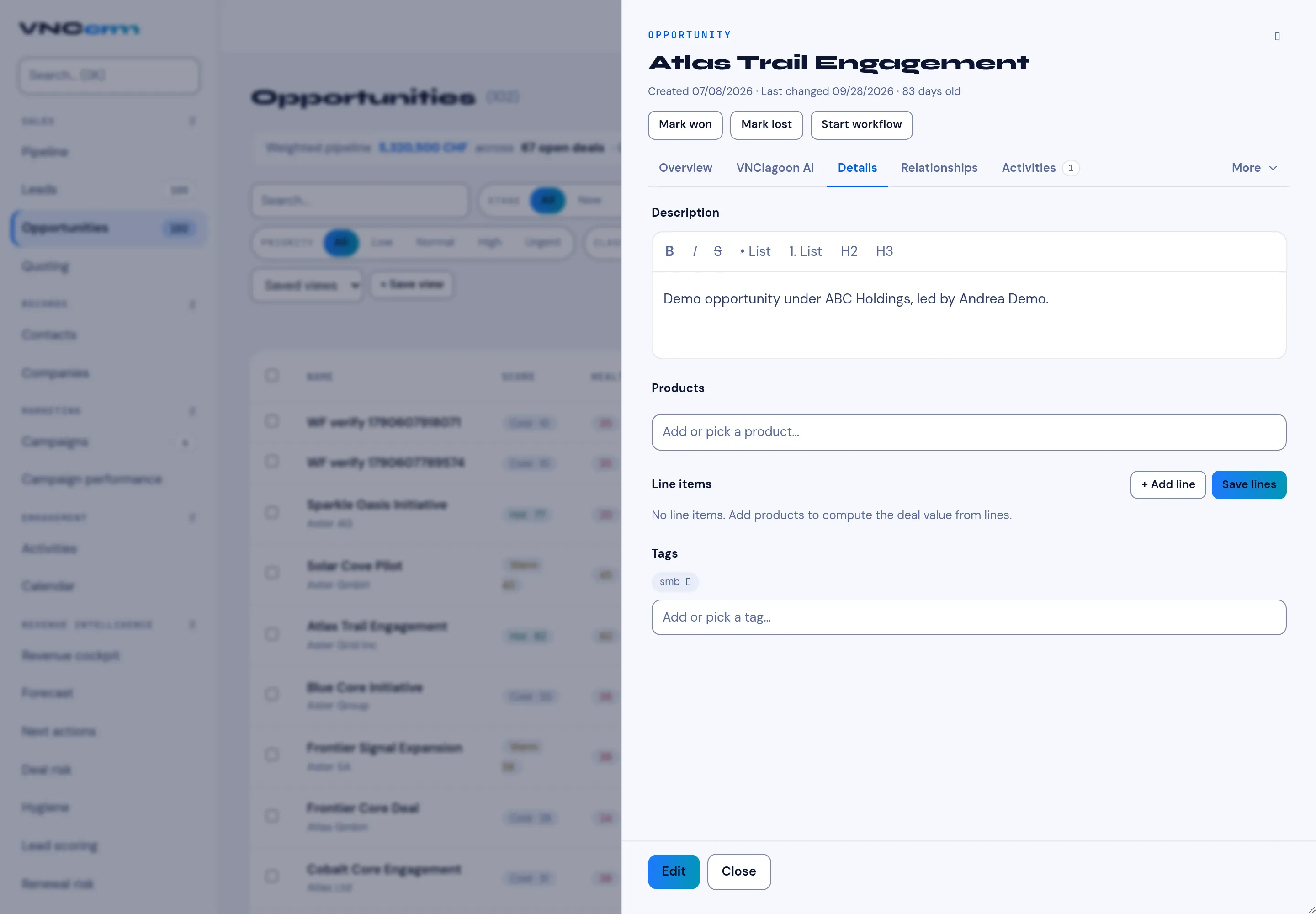
Select the opportunity to open its detail panel.
-
At the top of the panel, choose:
- Mark won — the deal is signed.
- Mark lost — the deal will not happen.
-
Confirm. The deal moves to the closed stage and drops out of the open pipeline.
Result
Section titled “Result”The opportunity is recorded as Won or Lost, with the date it closed. Won deals count toward the forecast as booked revenue; lost deals no longer count as open pipeline.