Deal fields and tabs
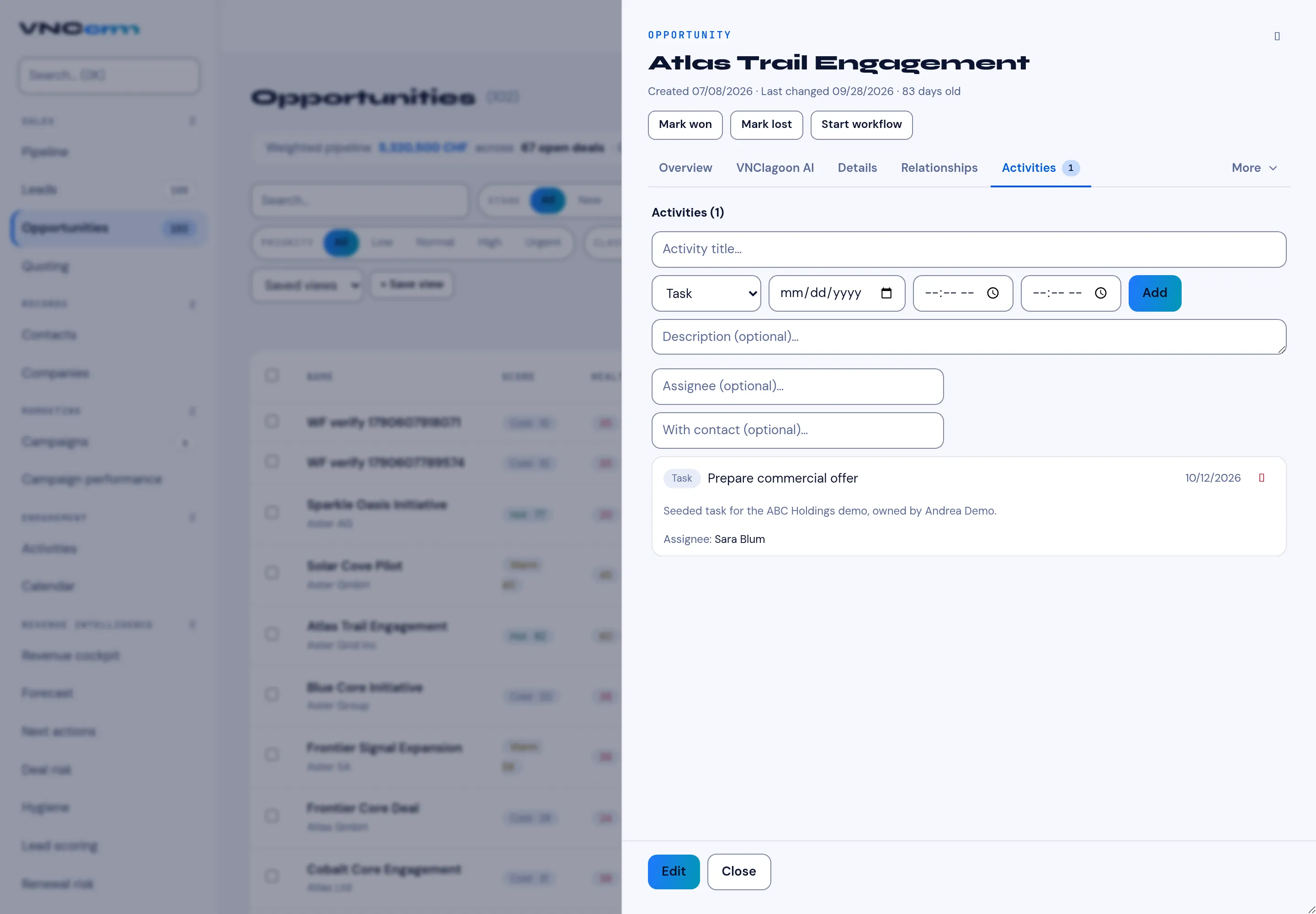
An opportunity opens as a panel with a fixed header and a set of tabs.
Header
Section titled “Header”| Element | Meaning |
|---|---|
| OPPORTUNITY | The record type. |
| Name | The deal name — select it to rename. |
| Created · Last changed · N days old | When the deal was opened and last touched. |
| Mark won / Mark lost | Close the deal as signed or not happening. |
| Tab | Shows |
|---|---|
| Overview | The essentials: value, stage, dates, owner, key contact. |
| VNClagoon AI | An AI summary and suggested next steps for the deal. |
| Details | Line items, amounts, discount and the approval state — see Quotes and approvals. |
| Relationships | The people and companies tied to the deal. |
| Activities | The history — calls, meetings, tasks and notes — and the composer to add one — see Log an activity. |
| Account Intel | Background on the account. |
| More | The remaining tabs for this deal. |
At the foot of the panel, Edit opens the full form and Close dismisses it.